
Cheap Shared Hosting vs. Managed WordPress Hosting: What You’re Really Paying For
Shared hosting looks like a bargain until something breaks. Here's what each type of hosting actually includes, who each one is right for, and the questions to ask before you pay for either.
"I'm paying a few dollars a month for hosting. Why would I pay more?"
It's a fair question, and the honest answer is: sometimes you shouldn't. If your website is a hobby, a family recipe archive, or a placeholder you visit twice a year, cheap hosting may be exactly right. I'm not here to sell a Ferrari to someone who needs a bicycle.
But for many businesses, the cheap plan is cheap because a big chunk of the work is left for you. Or for you to pay someone else to fix later, usually at a bad time, usually in a hurry. It's a bit like a "free" puppy. The puppy is free. The vet, food, and the couch it ate are not.
So let's lay out what you're really buying, and what you're not.
The simple difference
Regular (shared) hosting rents you space on a server. The server is running. Everything else (updates, security, backups, speed, fixing it when it breaks) is your problem.
Managed WordPress hosting means someone actively maintains your site. Updates, security, backups, monitoring, and support are part of the service.
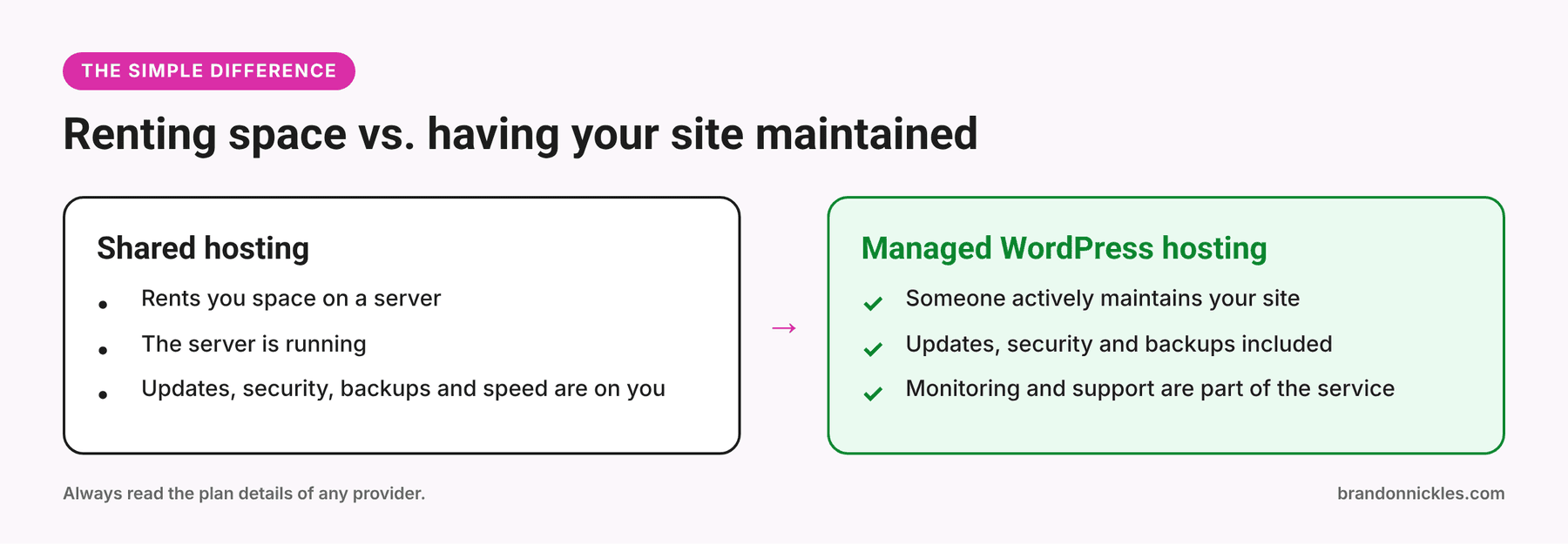
That's the core of it. Everything else in this post is about what that difference means in real life, on a normal Tuesday and on the day something goes wrong.
What cheap shared hosting usually gets you
Every provider is different, so read the details of any plan you consider. But typically with budget shared hosting:
- Your site shares a server with many others. If a neighbor's site hogs resources, yours can slow down. You can't see or control who your neighbors are.
- WordPress is one of many things it hosts. The server isn't tuned specifically for WordPress.
- Support helps with the server, not your site. Ask about a broken plugin or a white screen and you may hear that it's outside what they cover.
- Updates are on you. WordPress core, plugins, and themes won't update themselves unless you set that up, and someone has to check that updates didn't break anything.
- Backups vary. Some plans include them, some charge extra, some keep them only on the same server, and some are rarely tested. "We have backups" and "we can restore your site quickly" are not the same sentence.
- Security is mostly your job. Malware scanning and cleanup are often paid add-ons.
- Renewal prices can differ from the intro price. Always read what happens after the first term.
- Upsells are a business model. You'll likely see offers for add-ons: site scanning, backups, SSL, "performance boosts." Some are useful. Some you'd already have on a better plan.
None of that makes shared hosting bad. For a simple personal site, or a project where an outage doesn't matter, it can be perfectly fine.
What managed WordPress hosting should get you
"Managed" is a marketing term, and it means different things at different companies. Some "managed" plans are mostly faster servers with a nice dashboard and nobody actually managing anything. A real managed plan should cover:
- WordPress core, plugin, and theme updates, with someone checking that nothing broke
- Security monitoring and malware scanning
- Regular backups, stored safely, that can actually be restored
- Uptime monitoring, so someone notices when the site goes down (instead of a customer telling you)
- Performance tuning for WordPress specifically
- A human you can contact who understands WordPress sites
On my managed hosting, here's what that looks like: high-speed hosting, an SSL certificate, core updates and management, plugins managed and updated, malware scanning, uptime monitoring, backups, emergency restoring, and premium plugins. The Premium and eCommerce plans also include one free monthly edit, so the small stuff (swap a photo, fix some text, add a blog post or product) doesn't turn into a project. The full plan details are on my hosting page.
Regular hosting just rents you server space. Managed hosting means I actively maintain your site. That's the difference in one sentence.
Side by side
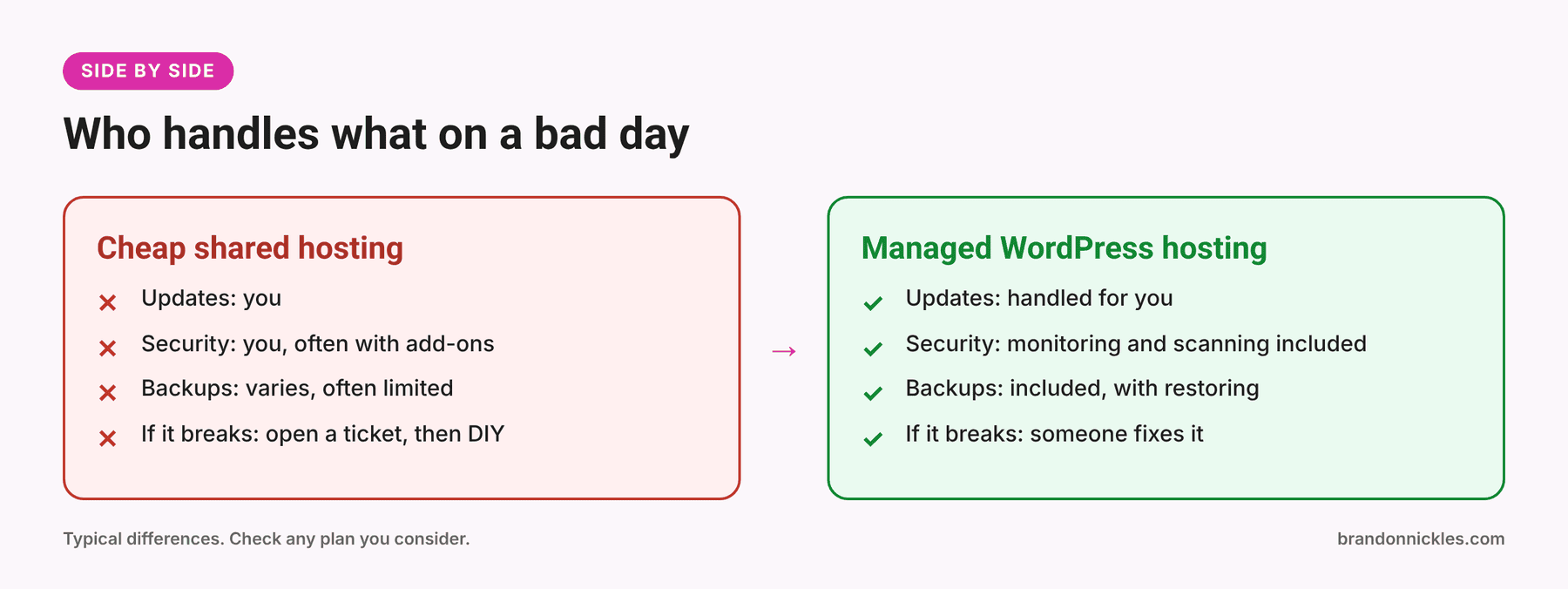
| Cheap shared hosting | Managed WordPress hosting | |
|---|---|---|
| What you get | Server space | A maintained WordPress site |
| Updates | You | Handled for you |
| Security | You (often add-ons) | Monitoring and scanning included |
| Backups | Varies, often limited | Included, with restoring |
| If it breaks | Open a ticket, then DIY | Someone fixes it |
| Your time | Yours | Mostly freed up |
| Best for | Hobby or low-stakes sites | Sites that bring in business |
What "cheap" really costs
The monthly hosting price isn't the whole price. Here's what the sticker leaves out.
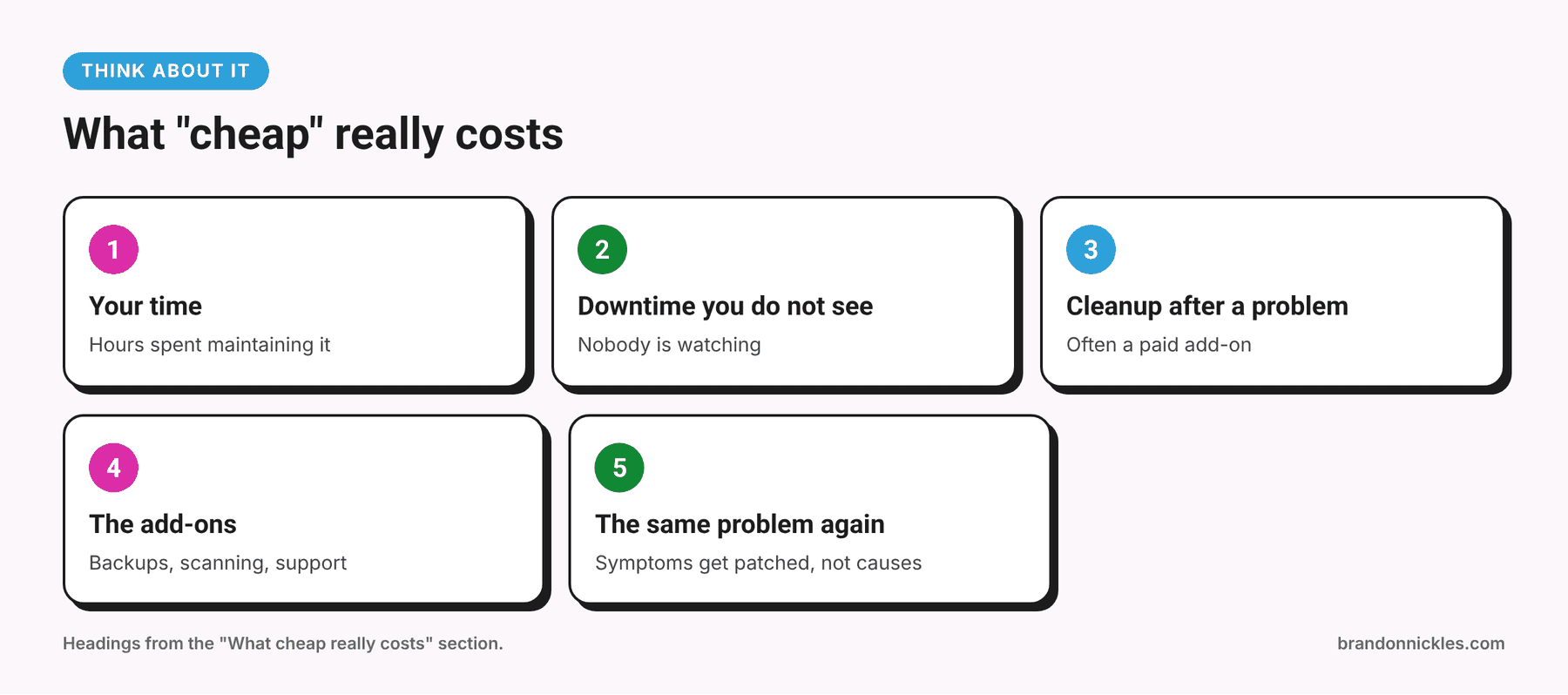
Your time
Updating plugins, checking backups, troubleshooting, and reading support documentation are hours you're not spending on your business. Maybe you enjoy it. Most business owners I talk to don't.
Downtime you don't see
If your site goes down at 9 p.m. and nobody's monitoring it, you may not find out until someone mentions it, or until you notice the phone has been quiet. A visitor who can't reach you usually doesn't try again tomorrow. They try your competitor.
Cleanup after something goes wrong
A hacked site means paying someone to clean it up, and sometimes dealing with warnings, blocklists, and lost search visibility. Cleaning is almost always more stressful than preventing.
The add-ons
Backups, security scanning, and support are sometimes sold separately. Add them up and the gap between "cheap" and "managed" narrows, and you still have to manage the add-ons.
The same problem, repeatedly
Without maintenance, small problems pile up. An outdated plugin becomes a conflict, which becomes a broken checkout, which becomes an emergency.
I'm not saying "shared hosting always costs more." I'm saying the sticker price isn't the whole picture, and you should compare total cost, including your time and the cost of a bad day.
A realistic example (no real clients, just how it tends to go)
Picture a local service business with a WordPress site on a low-cost plan. It was built a few years ago, and the plan has been quietly renewing ever since. Nobody has updated anything in a long while because nobody owns that job. One day a form stops sending, then the site starts acting strange, then the host sends a notice.
Now the owner has three problems: find out what's wrong, find someone who can fix it, and figure out whether the backups are any good. All at once, all while the site is down or misbehaving.
Compare that with someone who pays for a maintained setup: the updates happened, a scan caught the odd file, and there's a backup to restore if needed. The boring option wins by being boring.
Which one do you need?
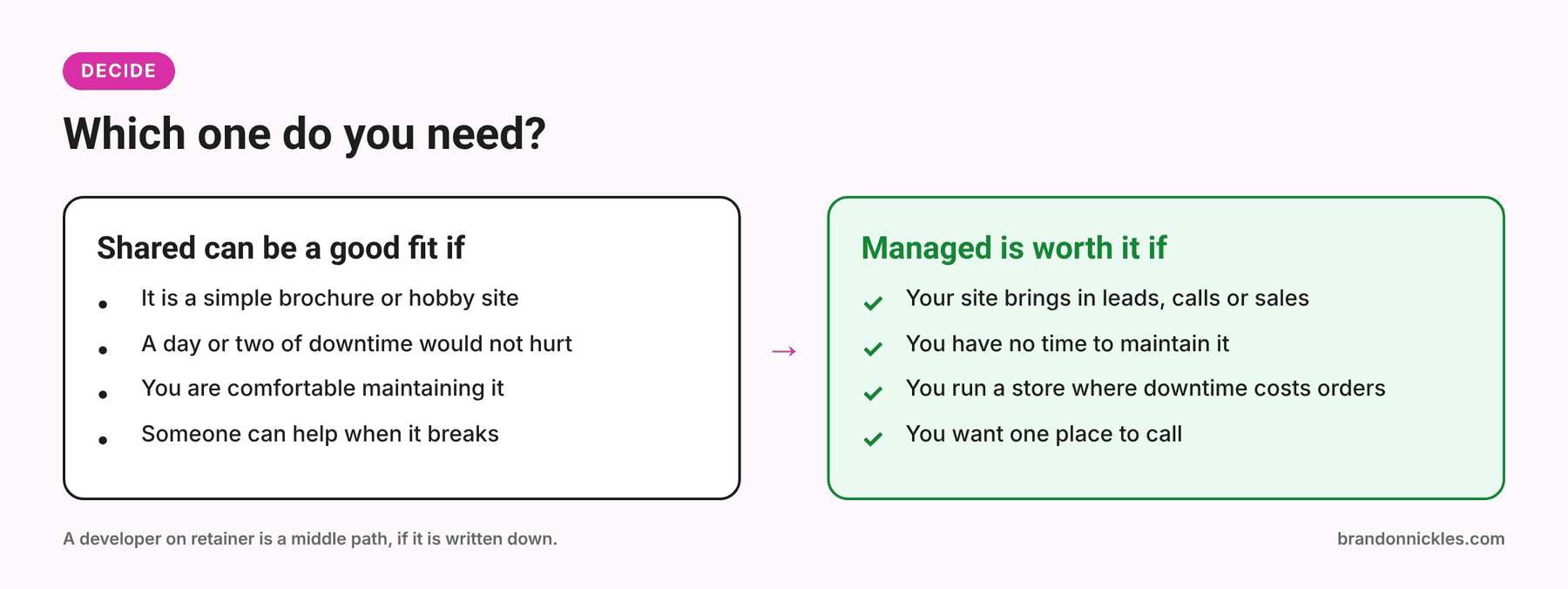
Shared hosting can be a good fit if: - Your site is a simple brochure or hobby site - An outage for a day or two wouldn't hurt you - You're comfortable updating WordPress, managing backups, and troubleshooting - You have someone on call who can help when it breaks - You've read the plan details and know what's (not) included
Managed hosting is worth it if: - Your site brings in leads, calls, or sales - You don't have time (or interest) in maintaining it - You've been hacked, or had a site go down at a bad moment - You run an eCommerce store where downtime is lost revenue - You want one place to call when something's wrong - You'd simply rather have someone handle it
Something in between? Some businesses stay on cheaper hosting and pay a developer for maintenance. That can work, but make sure someone is actually responsible for updates, backups, and monitoring, and that it's written down, not assumed.
Not sure? Ask me
If you're on the fence, I'll tell you honestly whether managed hosting makes sense for your site, even if the answer is "you're fine where you are."
7 questions to ask any hosting company
Before you sign up with anyone, including me:
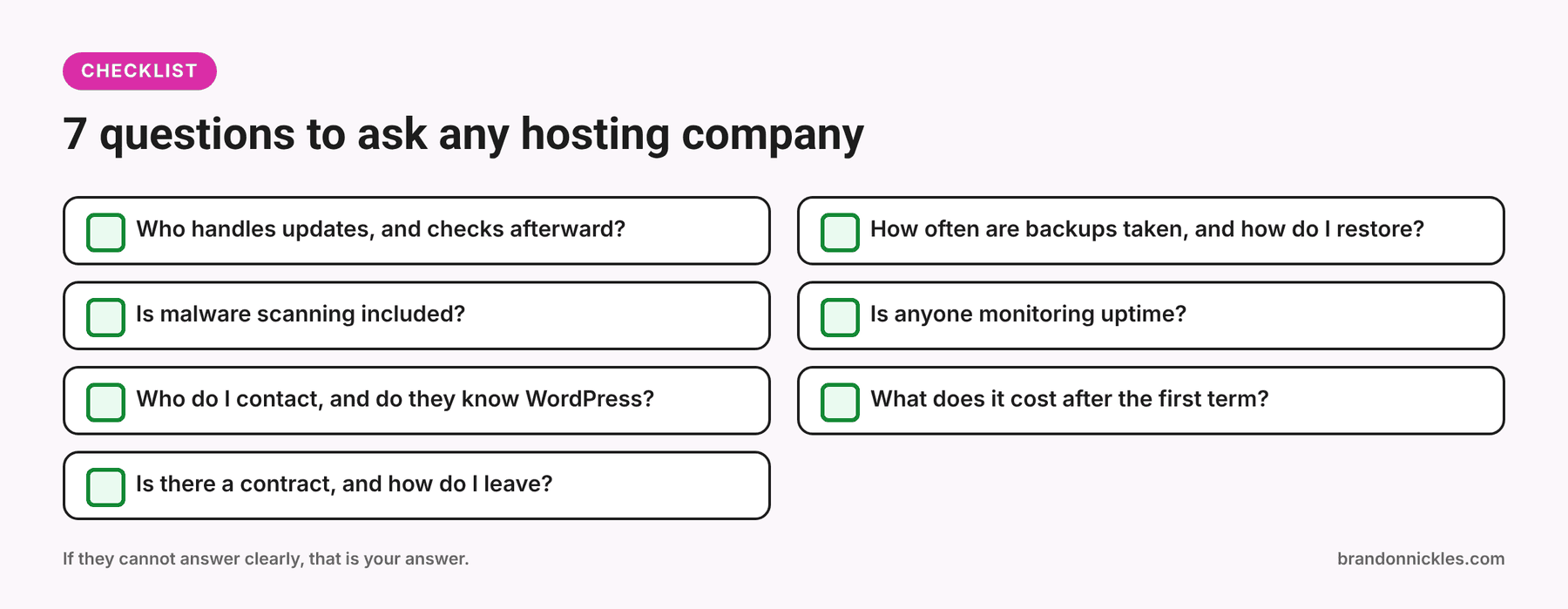
- Who handles WordPress, plugin, and theme updates? And does anyone check afterward that your site still works?
- How often are backups taken, where are they stored, and how do I restore one? Ask how long a restore takes and whether it costs extra.
- Is malware scanning included? What happens if I get hacked? "You can buy our cleanup service" is an answer, but it's not the same as "it's included."
- Is anyone monitoring uptime, or do I find out from customers?
- Who do I contact when something breaks, and do they work on WordPress?
- What does it cost after the first term?
- Is there a long-term contract, and what does it take to leave or migrate?
If a provider can't answer these clearly, that's your answer.
Moving is easier than you think
Plenty of people stay on weak hosting because they dread migration. It sounds like a weekend of file transfers and DNS confusion, and to be fair, doing it yourself can be.
With my managed hosting, I handle the entire move for you, with no work on your end. Most sites move over within 24 to 48 hours. Here's how it works: you choose a plan, I send an invoice, and once it's paid I reach out to migrate your site. There's no long-term contract. I'd rather earn your business every month than lock you in.
If you already have a site elsewhere, that's fine. I work on WordPress sites hosted anywhere, and you don't have to host with me to use my repair and edit services. Hosting clients just get perks like the monthly edit.
Your hosting decision checklist
- I know what my current plan includes (and doesn't)
- I know when my last good backup was, and I know who can restore it
- Someone is responsible for WordPress, plugin, and theme updates
- Someone is watching for downtime and malware
- I know what my renewal price will be
- I know who to call when it breaks
- My website matters enough to my business that "I'll deal with it when it breaks" is a risk I'm okay with, or it isn't, and I'm doing something about it
Frequently asked questions
Is managed WordPress hosting just faster hosting?
It's often faster, but speed isn't the main point. The main point is that someone is maintaining the site: updates, security, backups, and monitoring.
Do I have to host with you to get my site fixed or edited?
No. I work on WordPress sites hosted anywhere. Hosting clients get extras like a free monthly edit on the Premium and eCommerce plans, but my repair and edit services are open to everyone.
What happens if my site gets hacked on managed hosting?
I work to prevent it with active monitoring and malware scanning. If the worst happens, emergency restoration is part of the service. No one can promise a site will never be attacked, but you have someone ready to respond.
Is there a contract?
No long-term contract. You stay if you like the service.
What if I just need to move my site, not change anything about it?
That's fine. Tell me where it's hosted now and what you need, and I'll tell you what's involved before anything happens.
Ready to stop worrying about your hosting?
If your website matters to your business, it shouldn't depend on you remembering to click "update."
Not sure whether you need it? That's fine. Email me at Brandon@brandonnickles.com or use the contact form, and I'll give you a straight answer.