
The Real Cost of “I’ll Just Update It Myself”
Changing a phone number or updating a plugin looks like a five-minute job. Sometimes it is. Here's where the hidden time and risk come from, the problems that DIY edits cause most often, and how to tell when handing it off actually costs you less.
I get it. You know your business better than anyone, WordPress has an "Edit" button, and paying someone to change a sentence feels silly.
And honestly, lots of small edits are perfectly fine to do yourself. I'm not here to tell you to never touch your own website.
But I see the same story over and over. Someone sets aside ten minutes to "just swap a photo" or "just update the plugins." Two hours later, the homepage looks wrong on phones, the contact form isn't sending, and they're searching error messages and wondering whether to restore a backup they're not sure they have.
The cost of doing it yourself isn't the edit. It's everything around the edit. Let's look at where that cost hides, and how to decide what's worth doing yourself and what's worth handing off.
The edit is rarely the expensive part
When people estimate how long a website change will take, they usually estimate the change itself: typing new text, uploading a photo, clicking "Update."
What they don't count:
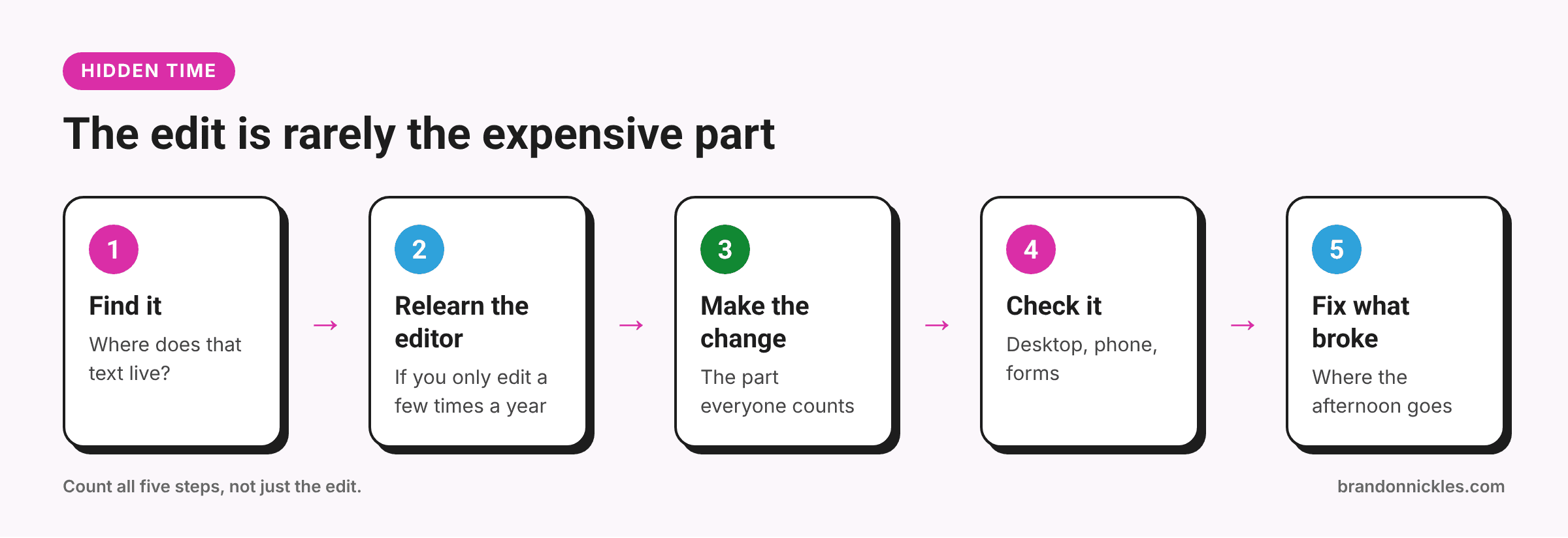
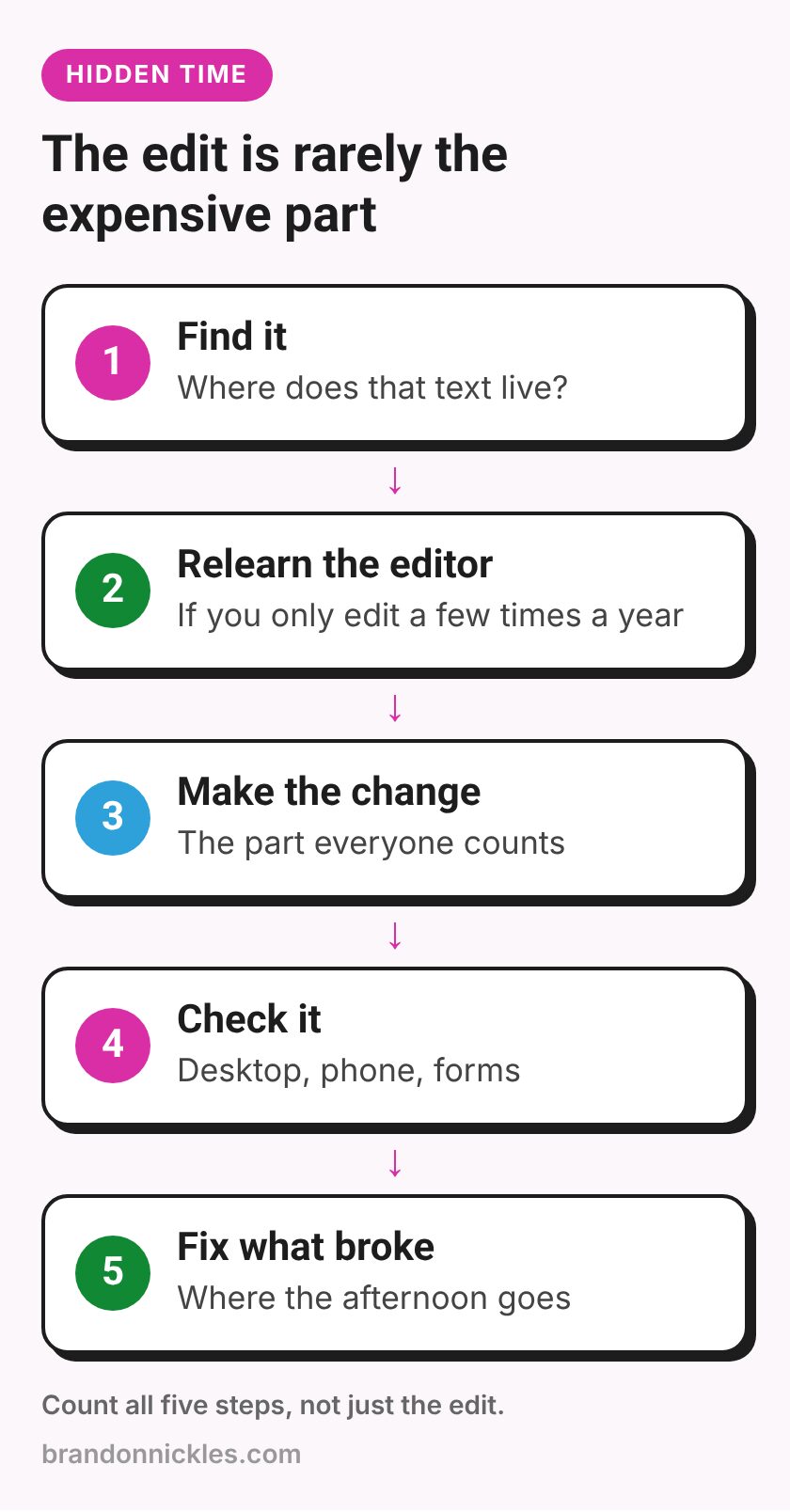
- Finding where the thing lives. Is that text in the page, the theme settings, a widget, a builder template, or a global header? On a lot of sites, it's not where you'd expect.
- Remembering how it works. If you edit your site a few times a year, you relearn the editor every time.
- Making it look right. A new photo that's a different shape, a longer heading, or an extra paragraph can shift the layout, especially on mobile.
- Checking it didn't break anything. Most people skip this step, which is exactly where the problems slip through.
- Fixing it when it does break. That's the part that turns a ten-minute job into an afternoon.
None of this is a knock on you. It's just how websites work. They're full of connected pieces, and changing one can nudge another.
Where DIY updates usually go wrong
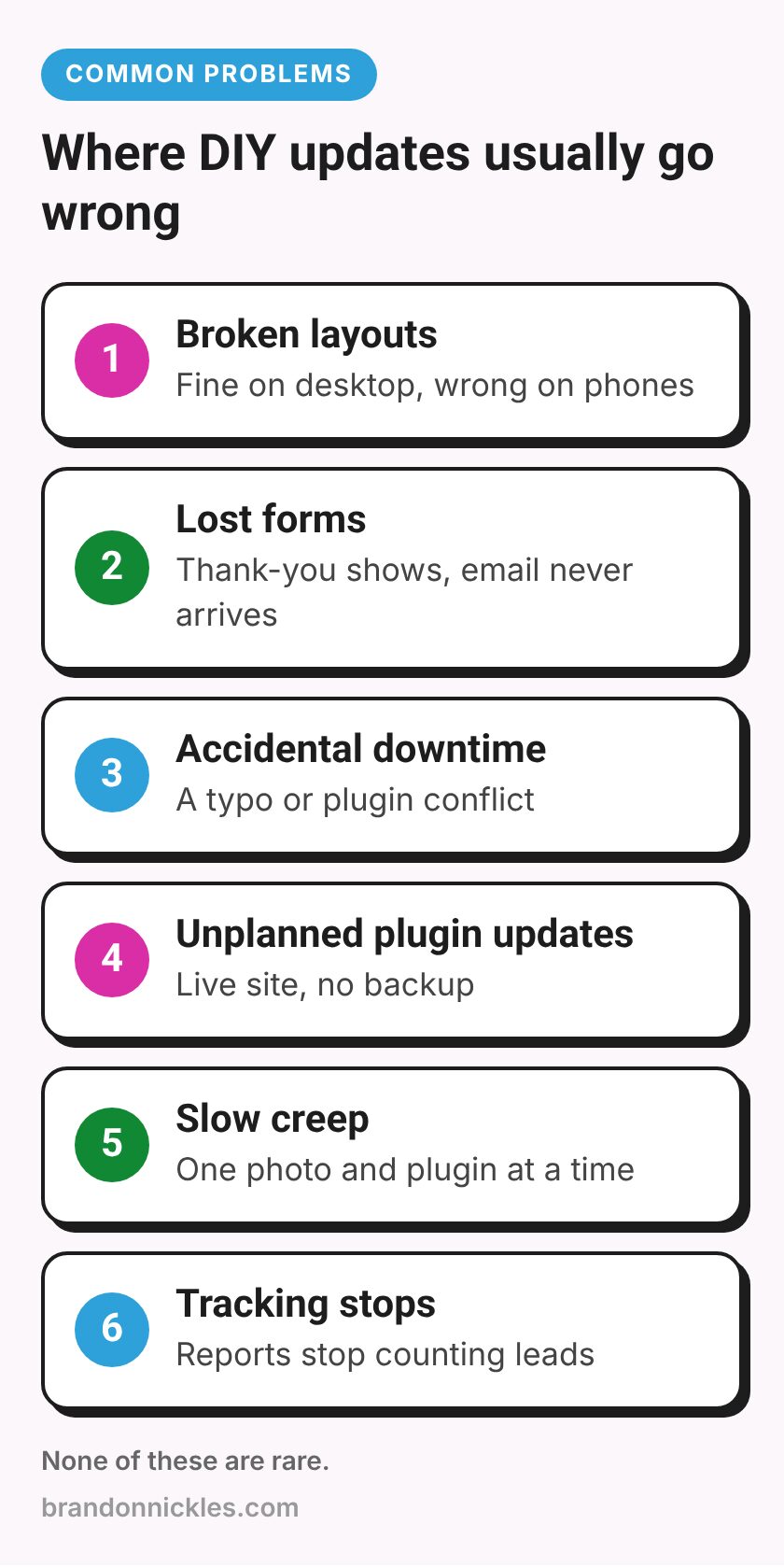
Here are the problems I see most often after "quick" DIY changes. None of these are rare.
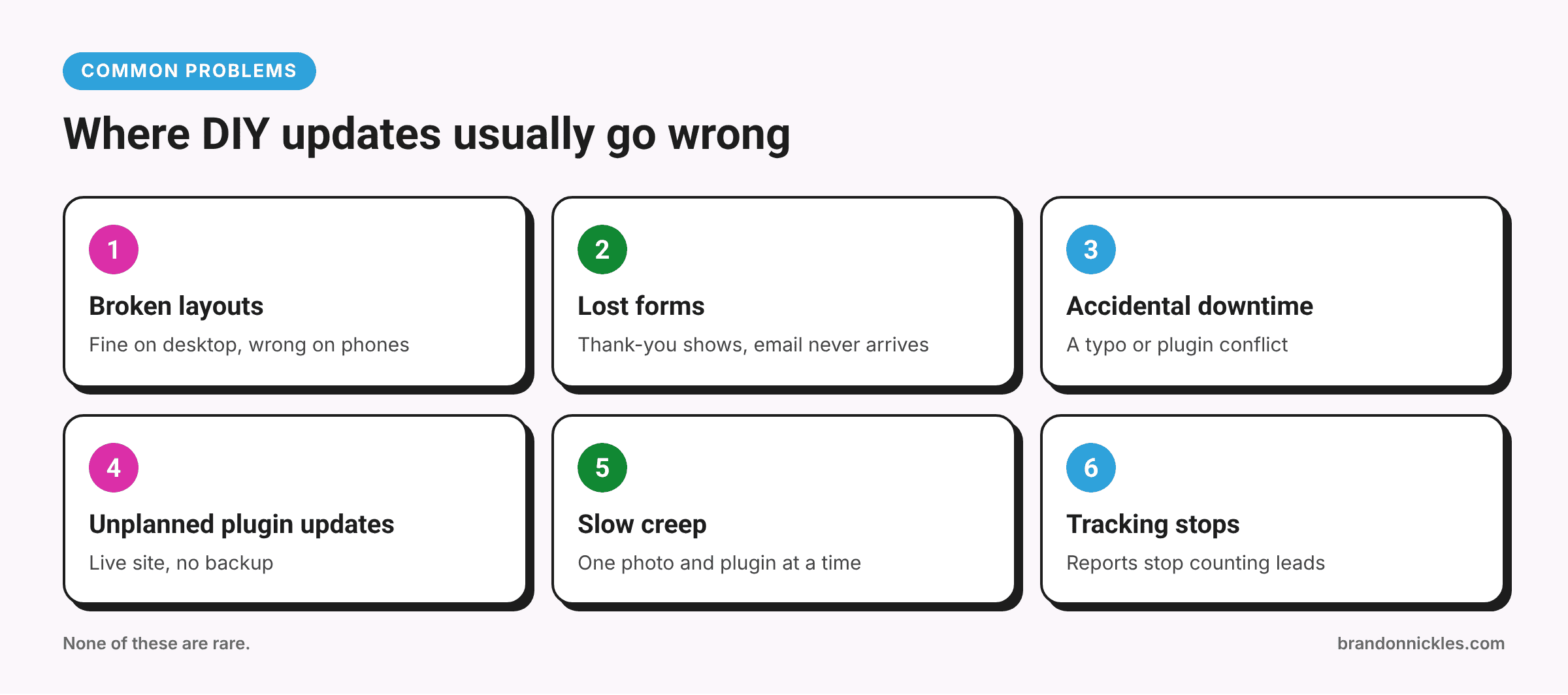
Broken layouts
You edit a section in a page builder, and it looks great on your laptop. On a phone, the text now overlaps the image, a button has slid off-screen, or a column has collapsed into a long, awkward stack.
This happens because many builders store separate settings for desktop, tablet, and mobile. Change one and not the others, and things drift apart. It also happens when you edit a global element, like a header or a reusable section, without realizing it appears on every page.
Lost or broken forms
Forms are the most expensive thing to break quietly, because the site still looks fine. Common causes:
- Deleting or renaming a form field the notification email depended on
- Changing the "send to" email address, or a typo in it
- A plugin update that changed how the form sends email
- Replacing a form block with a new one and forgetting to set up notifications again
- Moving the form to a new page and leaving the thank-you redirect pointing somewhere old
The visitor sees "Thanks, we'll be in touch." You never get the message. Nobody notices until someone calls and asks why you never replied.
Accidental downtime
The classic version is a plugin update that triggers a fatal error, but there are other ways in:
- Editing theme files or a snippet directly and making a typo
- Activating a plugin that conflicts with an existing one
- Changing a setting in a security or caching plugin that locks visitors (or you) out
- Changing the site address under Settings → General and suddenly being unable to log in
Some of these are quick to undo if you know where to look. If you don't, your site may be down until you can find help. My post on the white screen of death and other common WordPress errors covers what to do when that happens.
Plugin updates without a plan
Updating plugins is maintenance, not a click. Bulk updating everything on a live site with no backup and no test plan is one of the most common ways small sites break. If that sounds familiar, my post on staging sites and why you shouldn't update plugins on a live site explains a safer routine.
Slow creep
This one isn't dramatic. It's a slow pile-up: a full-size photo straight off a phone, a new plugin for one small feature, another embedded widget. Each one seems harmless. Over a year, the site gets heavier and slower. My post on why WordPress sites get slow shows how that happens.
Tracking that quietly stops
If you run ads or track leads, small edits can break the things that measure them: a renamed thank-you page, a rebuilt form, a removed script. The site works, but your reports stop counting leads. If that matters to you, my lead tracking checklist shows how to check.
How to count the real cost
I'm not going to make up numbers for you, because every business is different. But here's a simple way to work out your own.
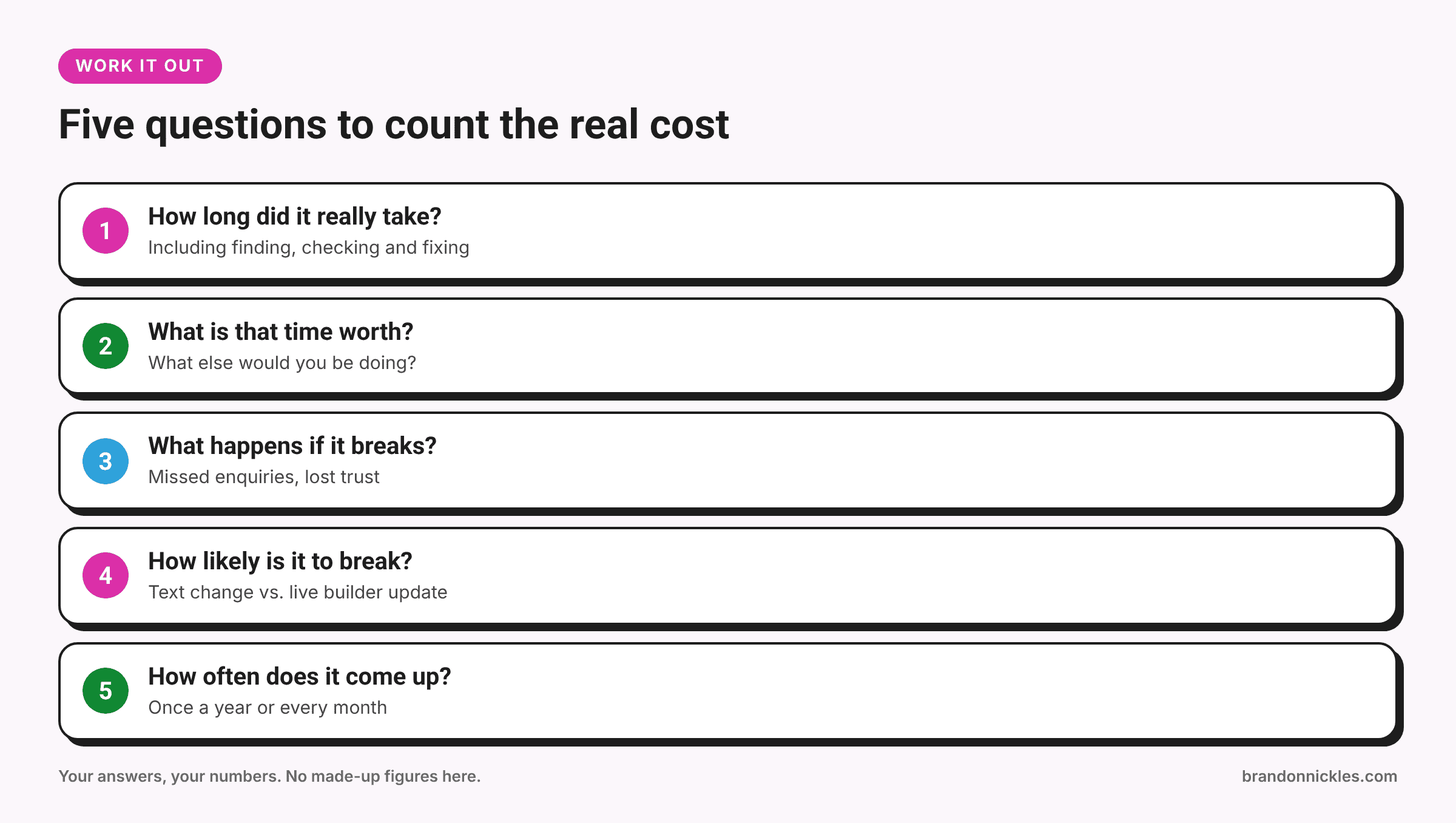
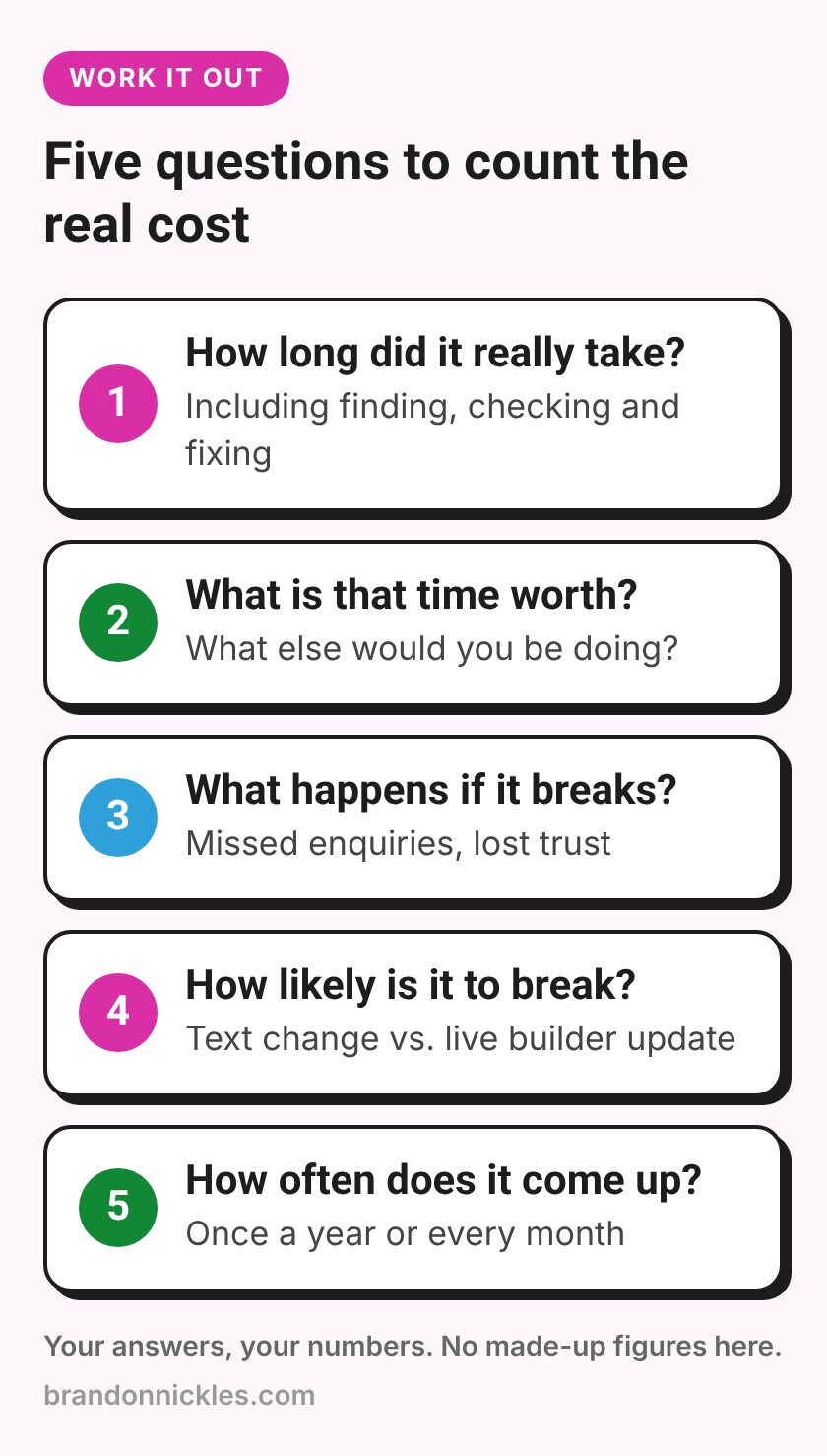
For a typical DIY change, ask:
- How long did it really take? Include finding the setting, the edit, checking it, and any fixing. Be honest.
- What's that time worth to you? Not in theory, in practice. What would you otherwise have been doing: quoting jobs, serving customers, taking a day off?
- What happens if it breaks? If your forms were down for a few days, how many enquiries might you miss? If the site was down, what would it cost in lost trust or sales?
- How likely is it to break? A simple text change on a well-built site is low risk. Updating a page builder on a live site with no backup is not.
- How often does this come up? One edit a year is very different from a few every month.
If the answers are "a few minutes," "not much," and "nothing serious," do it yourself. That's a perfectly reasonable choice.
If the answers include "most of an afternoon," "I'd rather be working," or "we might miss leads," that's when handing it off starts to look cheaper, not more expensive.
Want someone to just handle it?
That's what I do every day, from a five-minute text change to fixing a layout that went sideways. No job is too small; I'd rather knock out a quick fix than have you lose hours to it. I back up your site before I touch it, and most edits are handled within one business day.
Okay, now let's figure out what's safe for you to keep doing yourself.
What's usually safe to do yourself
If your site is reasonably well built, these are generally low risk:
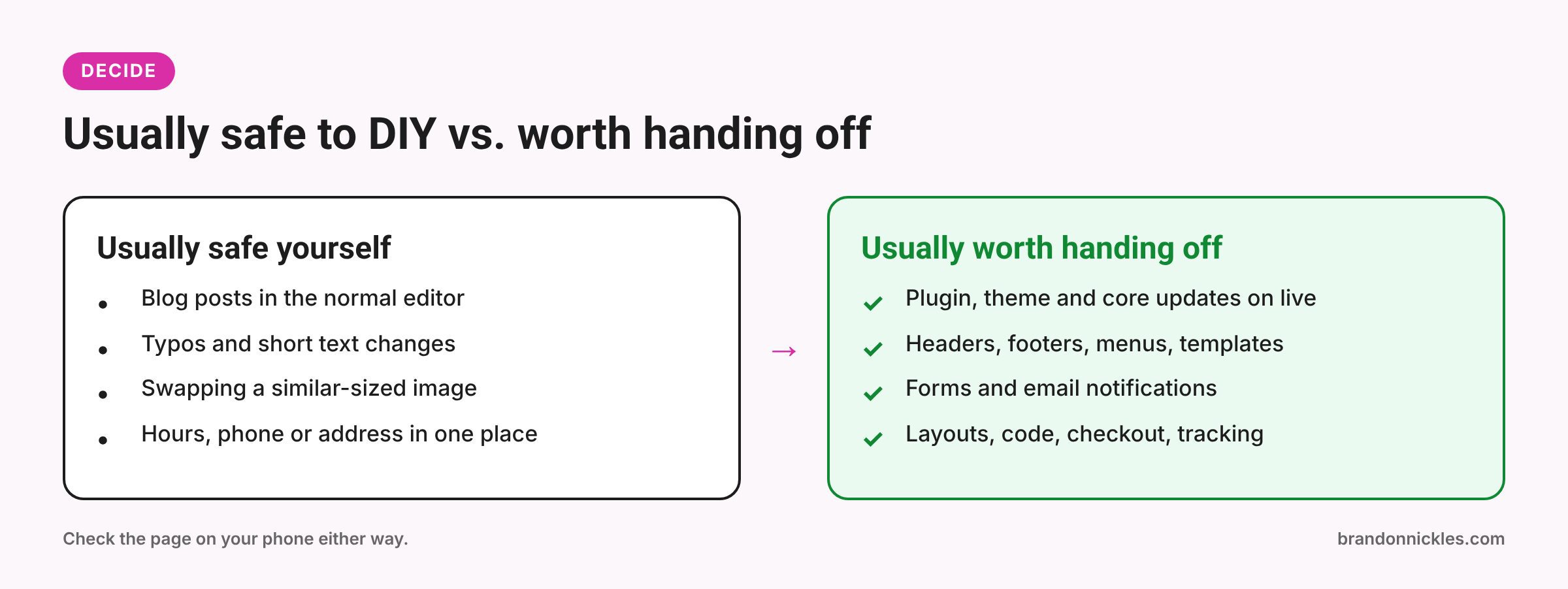
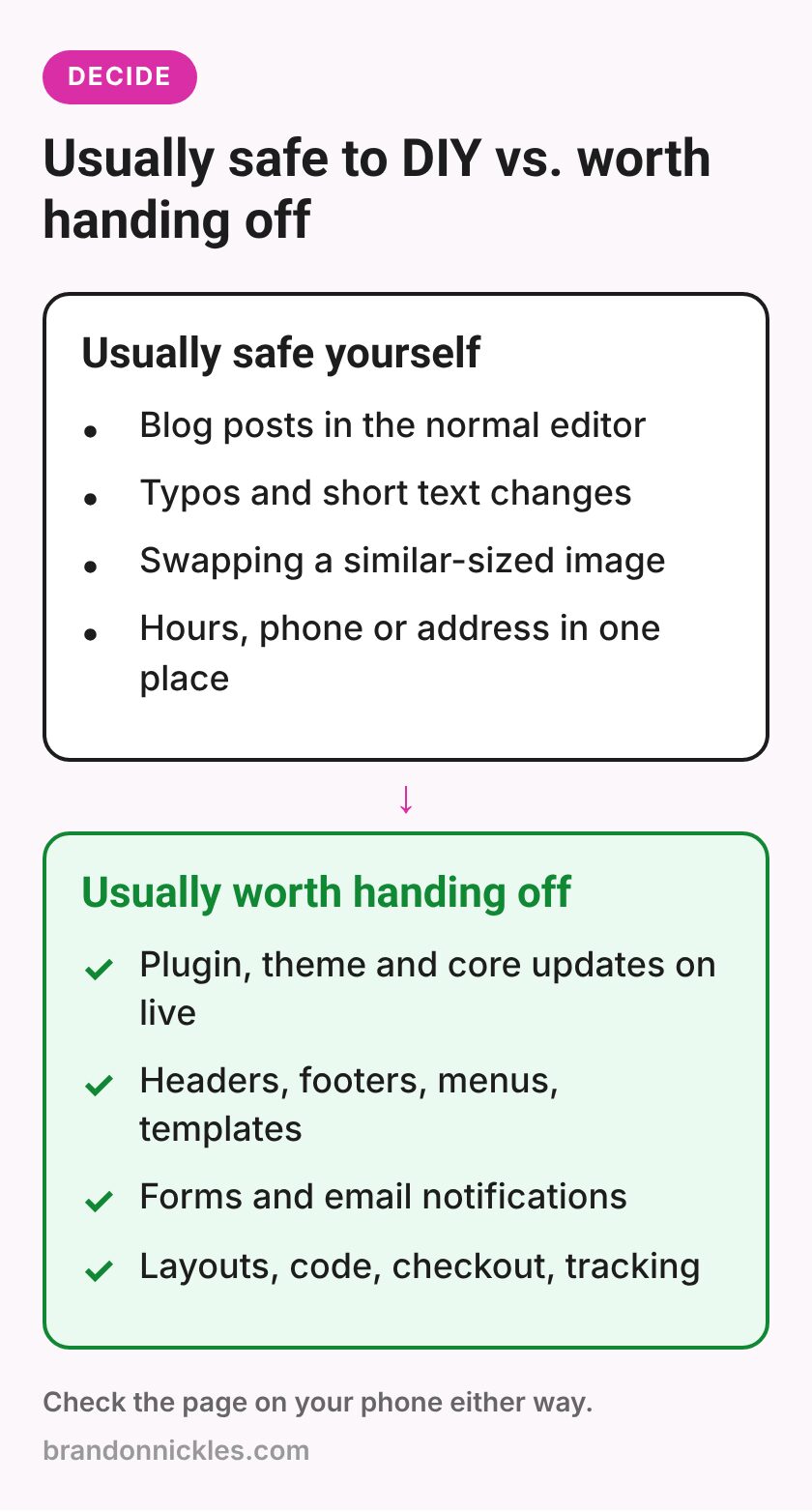
- Writing and publishing blog posts in the normal editor
- Fixing typos and updating short pieces of text
- Swapping an image for one that's a similar shape and size (and compressed)
- Updating business hours, a phone number, or an address in one obvious place
- Adding a new product in WooCommerce using the standard fields
Even with these, take a quick look at the page on your phone afterward.
What's usually worth handing off
These are the changes where I most often see things go wrong:
- Updating the page builder, theme, WordPress core, or plugins on a live site
- Editing headers, footers, menus, or global templates that appear on every page
- Changing or rebuilding forms, or anything connected to email notifications
- Layout changes, especially in builder pages with separate mobile settings
- Anything involving code, theme files, or snippets
- Changes to checkout, payments, booking, or membership settings
- Anything touching tracking, analytics, or ad conversion setup
- Anything you've tried once and broken before
If you're going to DIY, do it safely
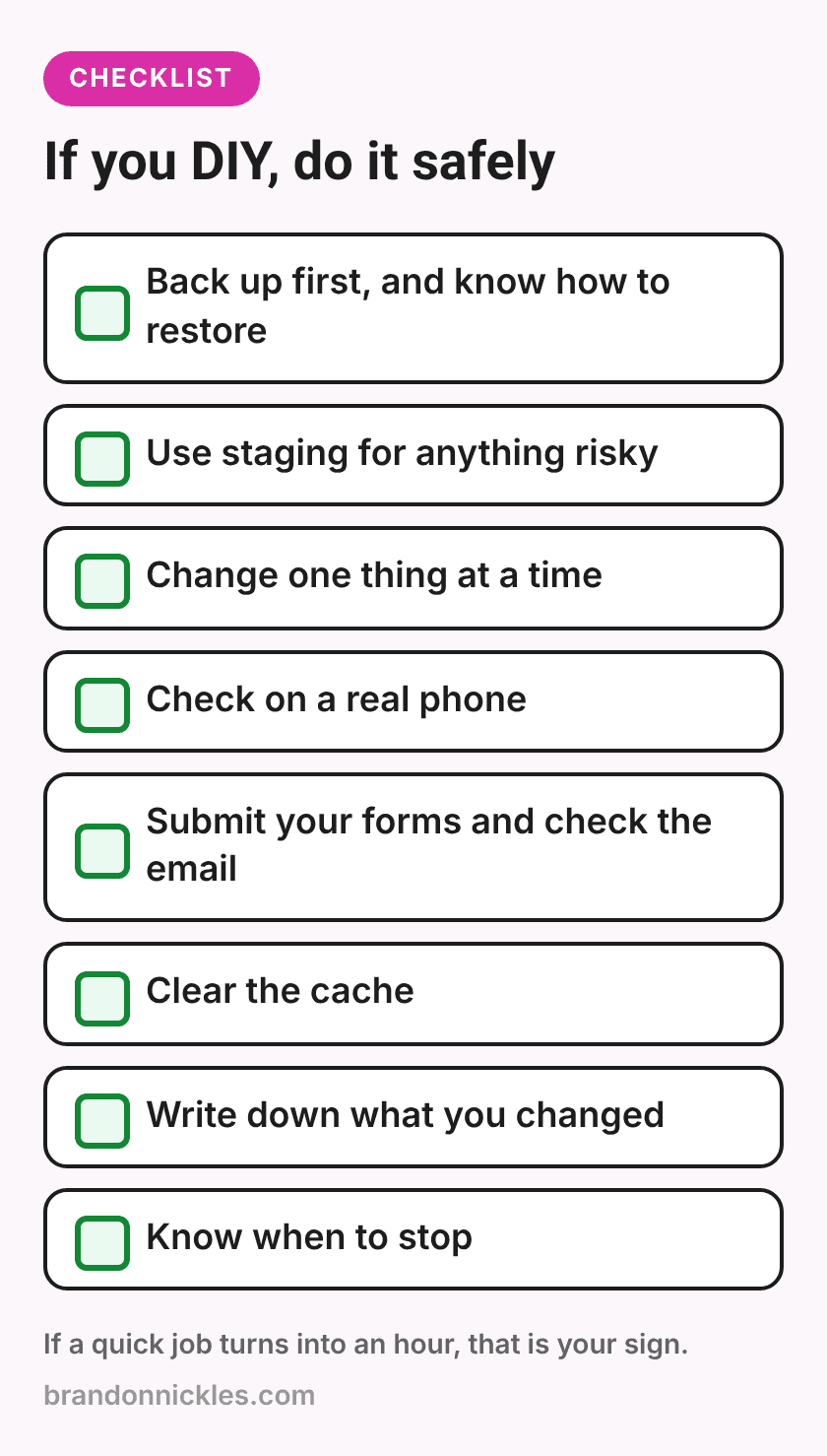
If you'd still rather do it yourself, here's how to cut the risk:
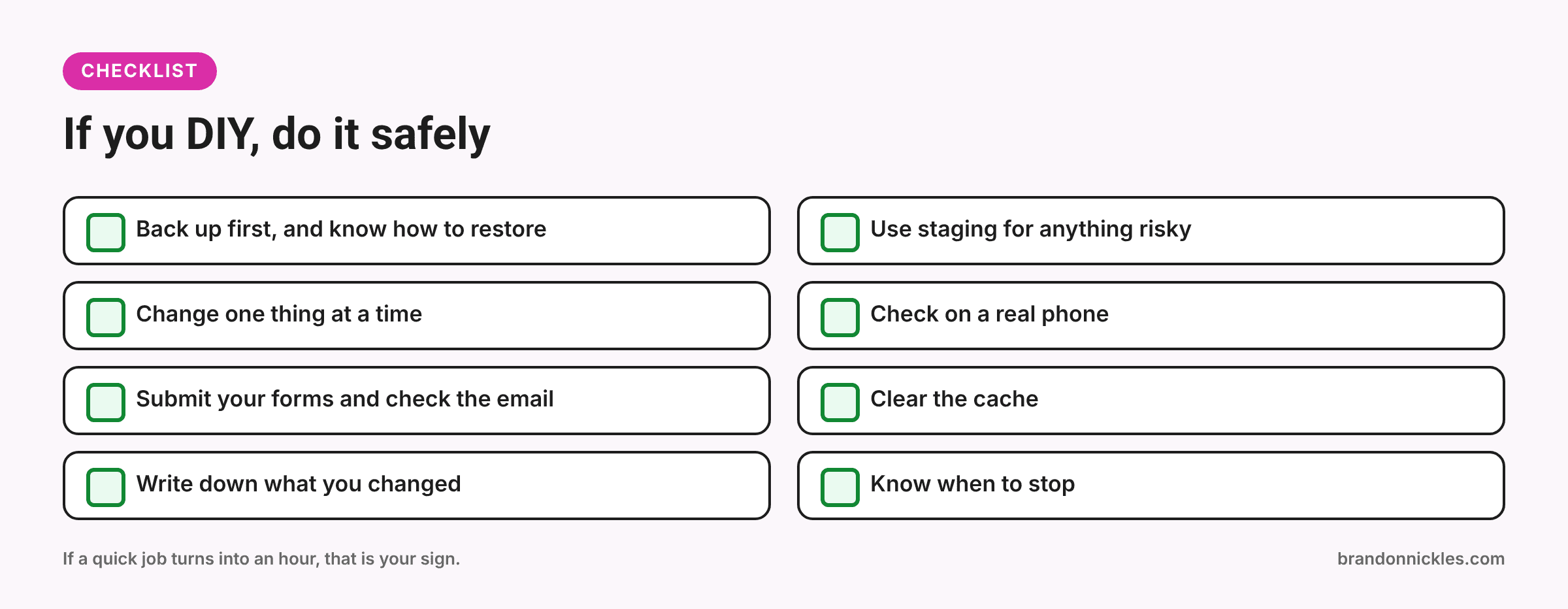
- Back up first. Every time, before anything bigger than a typo. Know how to restore.
- Use staging for anything risky. Plugin updates, layout changes, and theme edits belong on a copy first.
- Change one thing at a time. If something breaks, you'll know why.
- Check on a phone. Not just a resized desktop browser. A real phone.
- Test your forms. Submit the contact form and make sure the email actually arrives.
- Clear the cache. Otherwise you may be looking at an old version, or visitors might be.
- Write down what you changed. Future you will be grateful.
- Know when to stop. If a "quick" job has turned into an hour of searching error messages, that's your sign.
A simple decision guide
Here's how I'd sort it:
- Low risk and you know how: do it yourself.
- Low risk but you don't know where it lives: ask someone, or have them show you once.
- High risk, any confidence level: test on staging or hand it off.
- Something already broke: stop making changes and get help. Trying more fixes on a broken site can make the cleanup harder.
Where managed hosting and the free monthly edit fit in
If small changes come up regularly, it can be easier to have them covered rather than booked one at a time.
With my managed WordPress hosting, updates, backups, and monitoring are handled for you, so plugin updates stop being your job. The Premium and eCommerce hosting plans also include one free monthly edit for simple changes: things like changing an image, updating some text, or adding a blog post or product. Check the managed hosting page for the details of what each plan includes.
And if you're happy with your current host, that's fine too. My repair and edit services are open to everyone, wherever your site is hosted.
Frequently asked questions
Isn't it cheaper to do it myself?
Sometimes, yes. For simple, low-risk edits you're comfortable with, doing it yourself makes sense. It stops being cheaper when an edit eats your afternoon or breaks something that costs you enquiries.
Will you lock me out of my own site?
No. You keep full access to your site. Handing off changes doesn't mean you can't make edits yourself; it just means you don't have to.
What counts as a "simple" edit?
Things like changing text, swapping an image, or adding a blog post or product. Layout redesigns, new pages, and functionality changes are bigger jobs.
I already broke something. Should I keep trying to fix it?
Stop making changes, note what you did last, and get help. The more fixes you try on a broken site, the harder it can be to work out what went wrong.
Can you show me how to do some edits myself?
Yes. If there are changes you make often, I'm happy to point you to where they live so you can handle the low-risk ones confidently.
Ready to get your time back?
Your website should help your business, not take up your afternoons. If you've got a list of small changes you've been putting off, or something you changed that now looks wrong, send it over. I'll tell you honestly what's quick and what's not, and I reply the same day.
Email me at Brandon@brandonnickles.com.
And if you'd rather have updates handled for you going forward, take a look at my managed WordPress hosting.