
Page Builders vs. Custom Themes: What Actually Matters for a Small Business Site
Elementor, Divi, Oxygen, or a lean custom theme? The tool matters less than people think, and more than the sales pages admit. Here's a straight comparison of speed, maintenance, flexibility, and long-term cost, and how to tell when your builder has become a liability.
If you've ever looked into building or redesigning a WordPress site, you've probably run into the debate. One person swears Elementor is the only sensible choice. Another says page builders are bloated and you should only ever use a custom theme. Someone else has been happily using Divi for years and can't see what the fuss is about.
Here's the thing: they can all be right, depending on the site.
I work with all of these approaches every week: Oxygen, Elementor, Divi, and custom themes. (This site is built with Oxygen, for what it's worth.) None of them is magic and none of them is automatically a mistake. What matters is whether the approach fits how your business actually uses its website, who's going to maintain it, and how it's been built.
Let's break it down in plain English.
First, what we're actually comparing
Quick definitions so we're on the same page:
- Theme: the design layer of a WordPress site. It controls how everything looks.
- Page builder: a plugin (or a theme with one built in) that lets you design pages visually by dragging and dropping elements like headings, images, buttons, and columns.
- Custom theme: a theme built specifically for your site, usually by a developer, with the layouts coded in rather than assembled in a visual editor.
- Lightweight theme + block editor: a lean, well-coded theme using WordPress's built-in block editor for page content. This sits somewhere between a full builder and fully custom.
The four approaches people usually weigh up:
- Elementor: a very popular visual page builder that works on top of a theme.
- Divi: a theme and builder combined, known for its visual editing and large library of layouts.
- Oxygen (and Breakdance): builders that replace the theme layer and tend to give developers more control over the output.
- A custom or lightweight theme: coded layouts, often using the block editor for content.
The four things that actually matter
When I'm helping someone decide, I don't start with "which builder is best." I start with four questions:
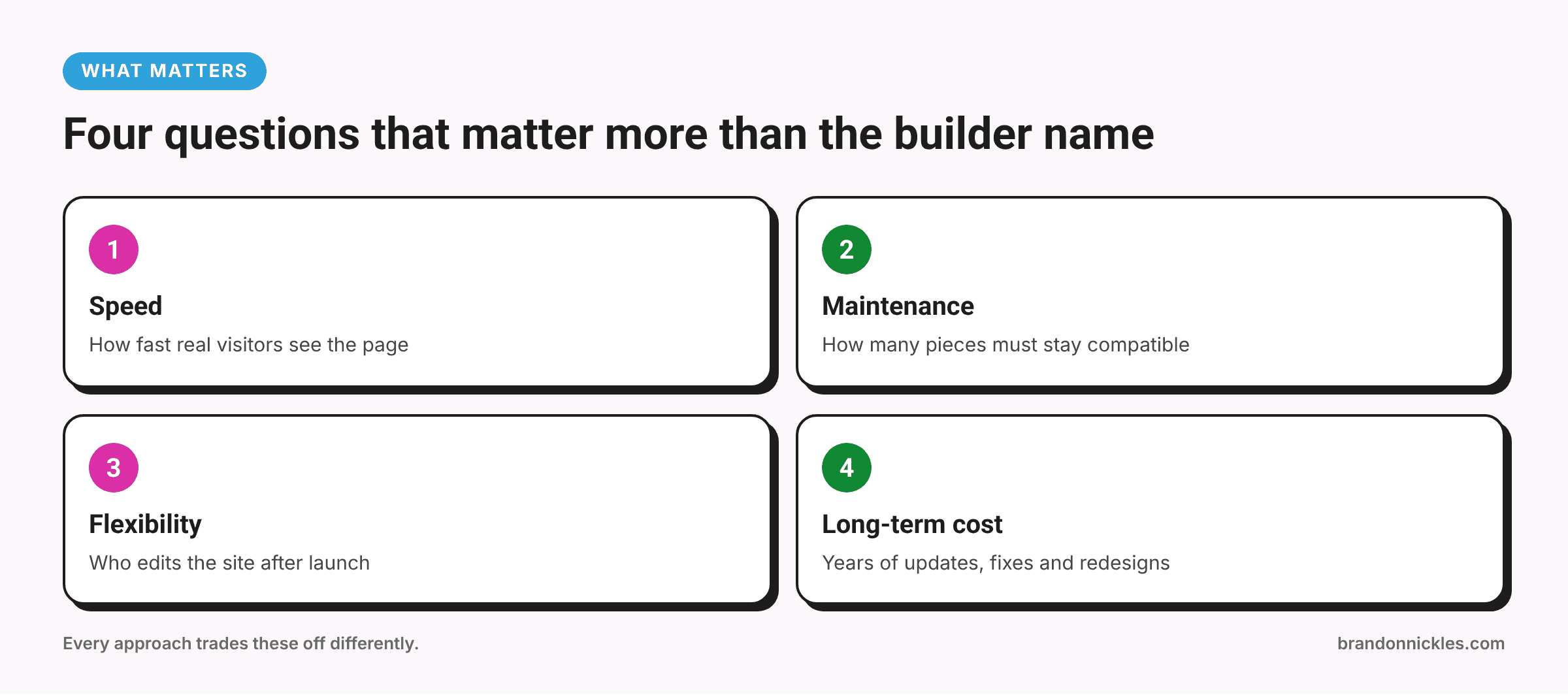
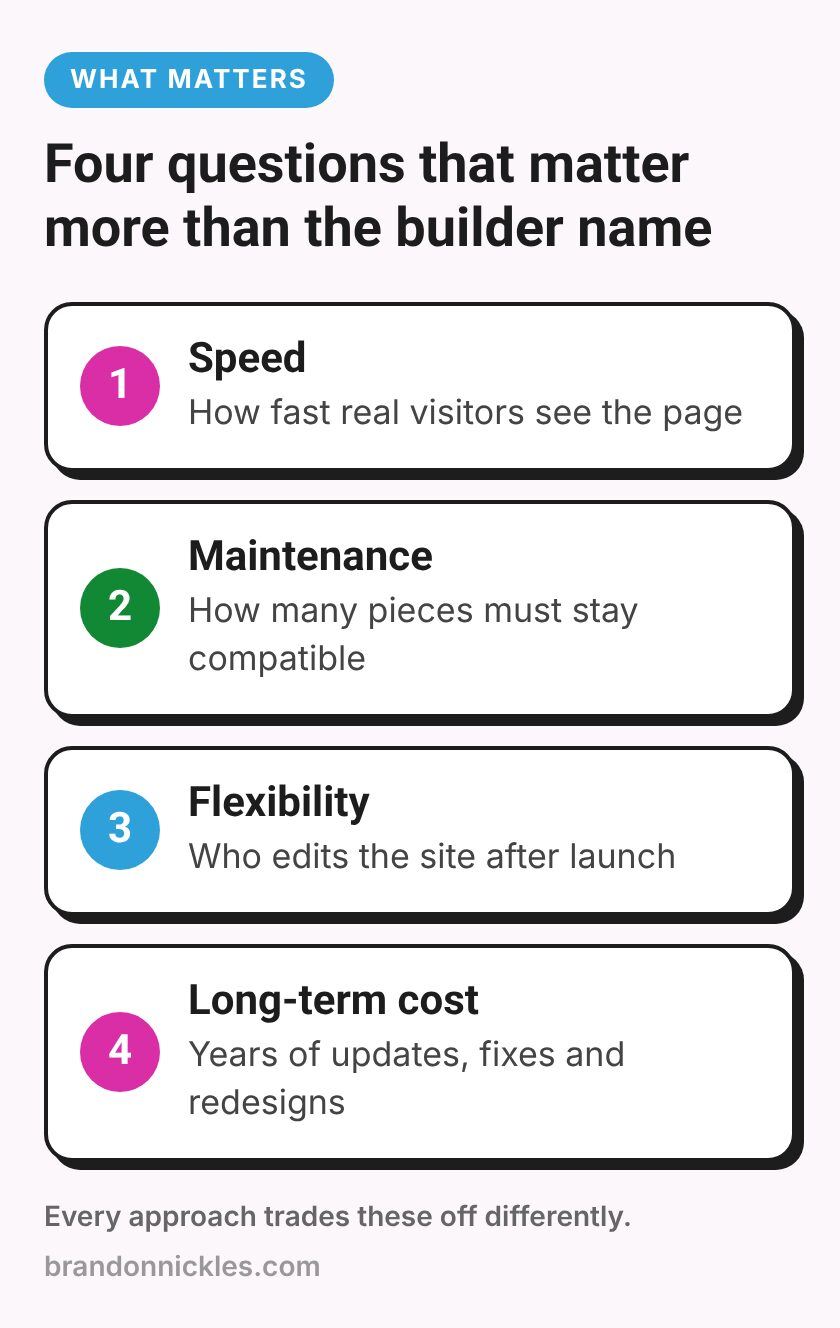
- Speed: how fast will the site load for real visitors, especially on phones?
- Maintenance burden: how much ongoing work will it take to keep it updated, secure, and working?
- Flexibility: how easily can you, or whoever helps you, change things later?
- Long-term cost: not just the build, but the years of updates, fixes, and eventual redesigns.
Every approach trades these off differently. Let's go through them.
Speed: it's the build, not just the tool
You'll see plenty of claims online that one builder is "fast" and another is "slow." There's some truth in it. Builders add their own code, styles, and scripts, and some add more than others. A visual builder generally has more overhead than a lean, hand-coded theme.
But in my experience, how the site is built matters more than which builder it's built with. I've seen fast Elementor sites and slow custom themes. The usual speed killers are the same regardless of tool:
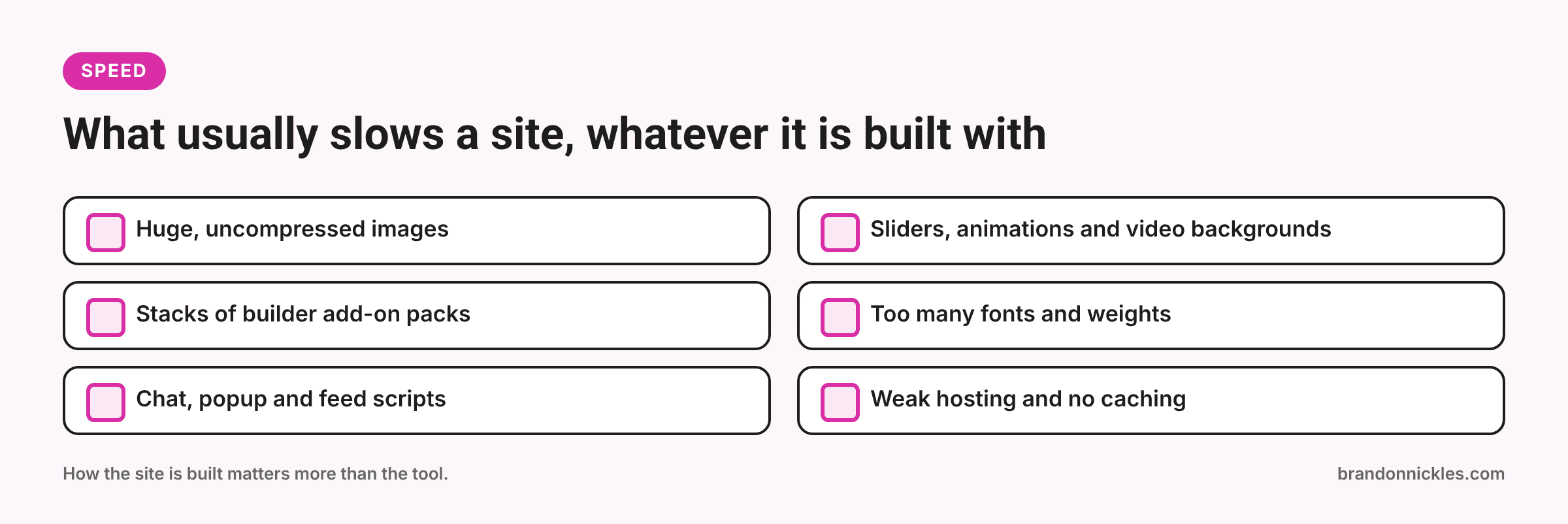
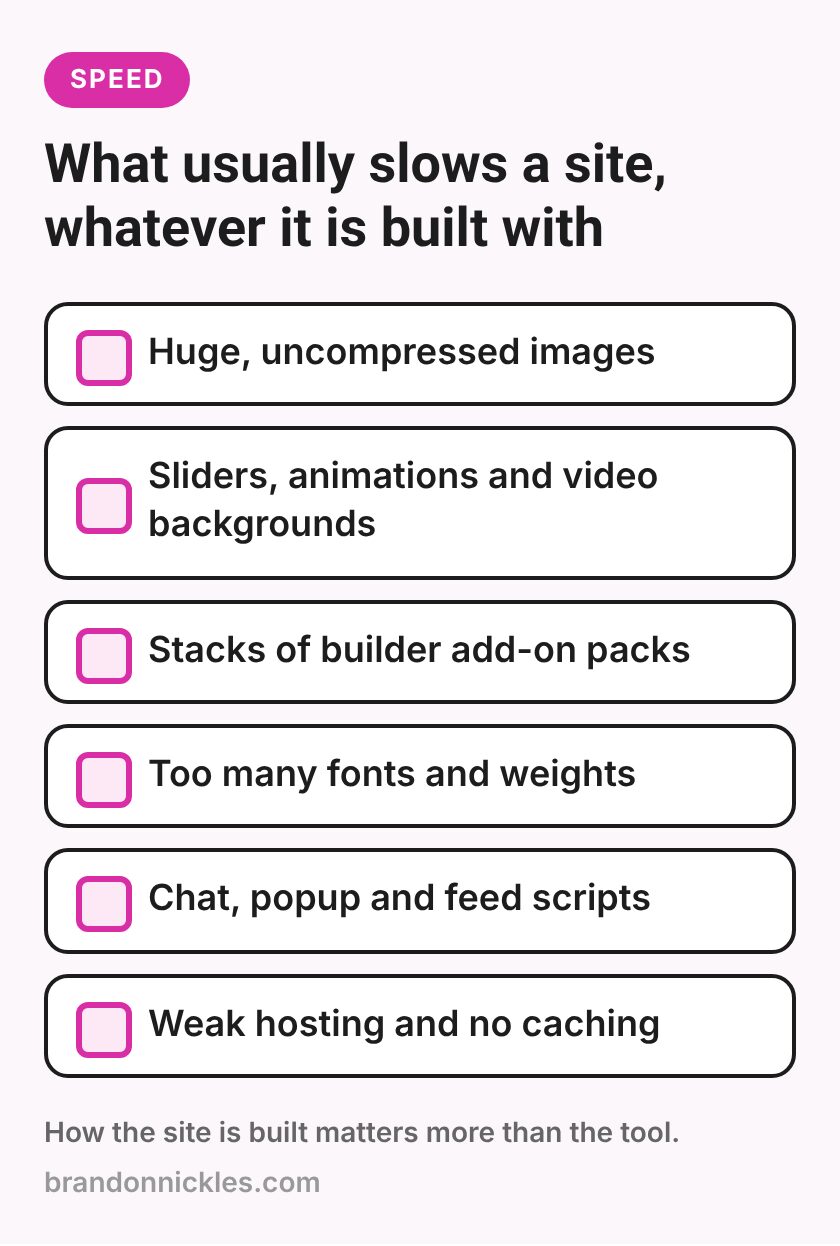
- Huge, uncompressed images
- Sliders, animations, and video backgrounds on every page
- Stacks of add-on plugins for the builder ("ultimate addons" packs and the like)
- Lots of fonts and font weights
- Third-party scripts: chat widgets, popups, embedded feeds
- Weak hosting and no caching
Practical takeaway: A builder site can be fast if it's built with restraint. A custom theme gives you a better starting point, but it won't save a site from oversized images and ten tracking scripts. If speed is your main worry, my post on why WordPress sites get slow covers the fixes that matter.
Maintenance burden: the part nobody mentions at launch
This is where the differences really show up over time.
Page builders are big pieces of software that update regularly. Each update can change how elements render. If you also use third-party add-on packs for the builder, those need to keep up with the builder's updates, and when they don't, layouts can break. The more add-ons, the more moving parts.
Divi bundles theme and builder together, which means fewer separate pieces, but you're tied to one vendor's update schedule for both.
Oxygen and Breakdance replace the theme layer, so there's no separate theme to keep compatible. They still need updating, and sites built with them still rely on the builder staying installed.
Custom themes have fewer moving parts, but they don't update themselves. If the code isn't maintained, it can fall behind newer versions of WordPress and PHP. A custom theme that nobody has looked at for years can be just as much of a headache as an outdated builder.
Practical takeaway: Every option needs maintenance. The question is how many separate things need to stay compatible with each other. Fewer plugins and add-ons almost always means fewer surprises. If updates are a sore spot, my post on staging sites and safe plugin updates walks through a safer routine.
Flexibility: who's making changes after launch?
This is the question I'd put at the top of the list for most small businesses.
If you or your team want to edit pages yourselves, a visual builder is genuinely useful. You can change text, swap images, and add sections without touching code. That's a real benefit, and it's why builders are so popular.
If someone else will make most changes, a custom theme or lightweight setup can be simpler and more predictable, because layouts are locked into templates rather than rebuilt page by page.
There's a catch with builders, though: "anyone can edit it" also means anyone can accidentally break it. Drag the wrong element, change a global style, or delete a section, and a page can look very different on mobile than you expected. I'll talk more about that in my post on the real cost of "I'll just update it myself".
Practical takeaway: Pick the tool for the person who'll be editing the site most often, not for the person building it.
Long-term cost: think in years, not launch day
A builder can make the initial build quicker, especially with ready-made layouts. A custom theme often takes more upfront time to design and code.
But the long-term cost depends on things like:
- Lock-in. Content built in a page builder usually depends on that builder. If you deactivate it, pages can turn into a mess of shortcodes or lose their layouts. Switching builders often means rebuilding pages, not just changing a setting.
- Licenses and add-ons. Many builders have paid tiers, and add-on packs have their own renewals. Those add up quietly.
- Fix time. Sites stacked with add-ons tend to need more troubleshooting after updates.
- Redesign time. When it's time for a refresh, a well-organized site (builder or custom) is much easier to work on than one where every page was styled differently by hand.
Practical takeaway: The cheapest site to build isn't always the cheapest site to own.
A quick comparison
| Elementor | Divi | Oxygen / Breakdance | Custom or lightweight theme | |
|---|---|---|---|---|
| Who it suits | Owners who want to edit visually | Owners who like an all-in-one theme + builder | Developers or owners who want more control over the output | Sites where a developer handles most changes |
| Editing for non-developers | Easy | Easy | Moderate | Limited to content areas |
| Starting point for speed | Depends heavily on build and add-ons | Depends heavily on build | Generally leaner output | Generally leanest |
| Lock-in | High | High | High | Lower, but tied to the developer's code |
| Main maintenance risk | Add-on packs falling behind | Vendor-tied theme + builder updates | Builder updates; fewer people know it | Code not kept current |
This is a general comparison, not a scoreboard. A well-built site on any of these can work well.
When each approach makes sense
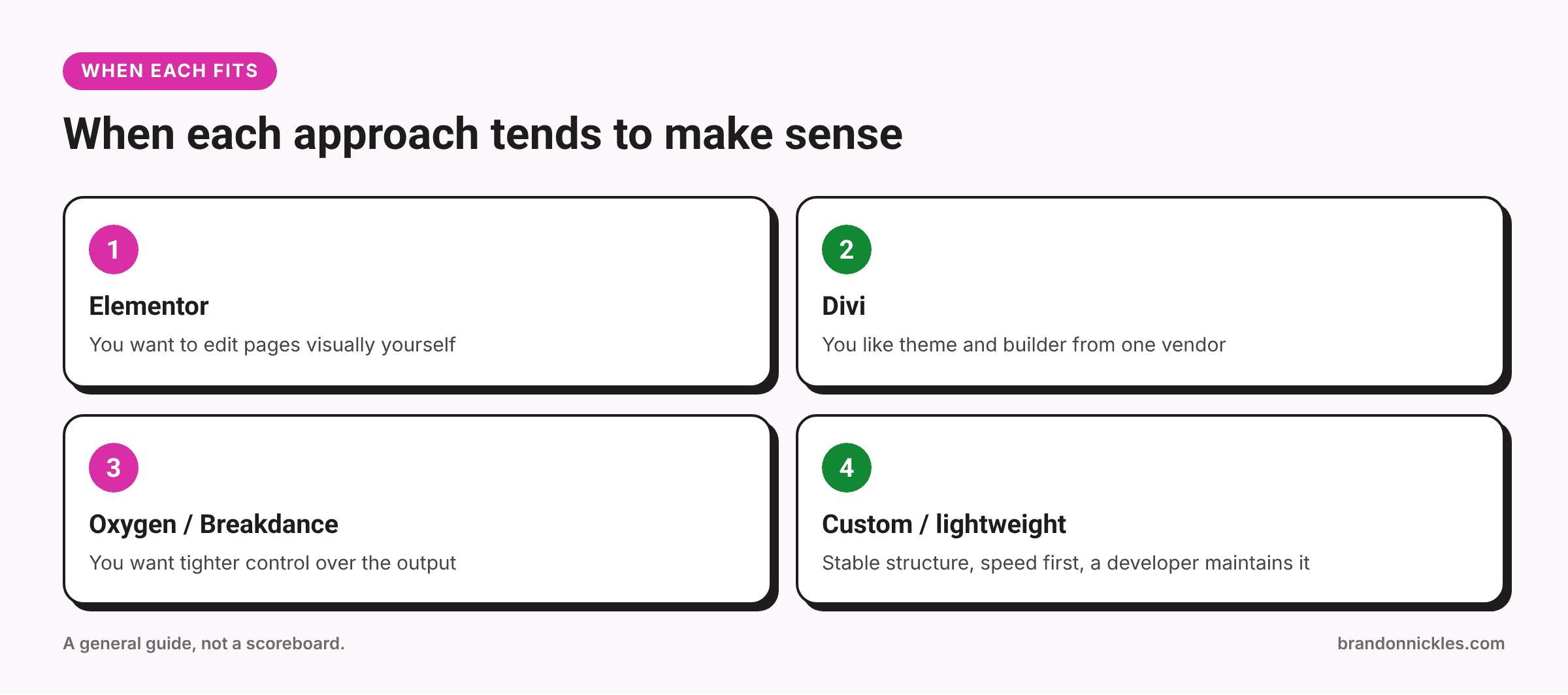
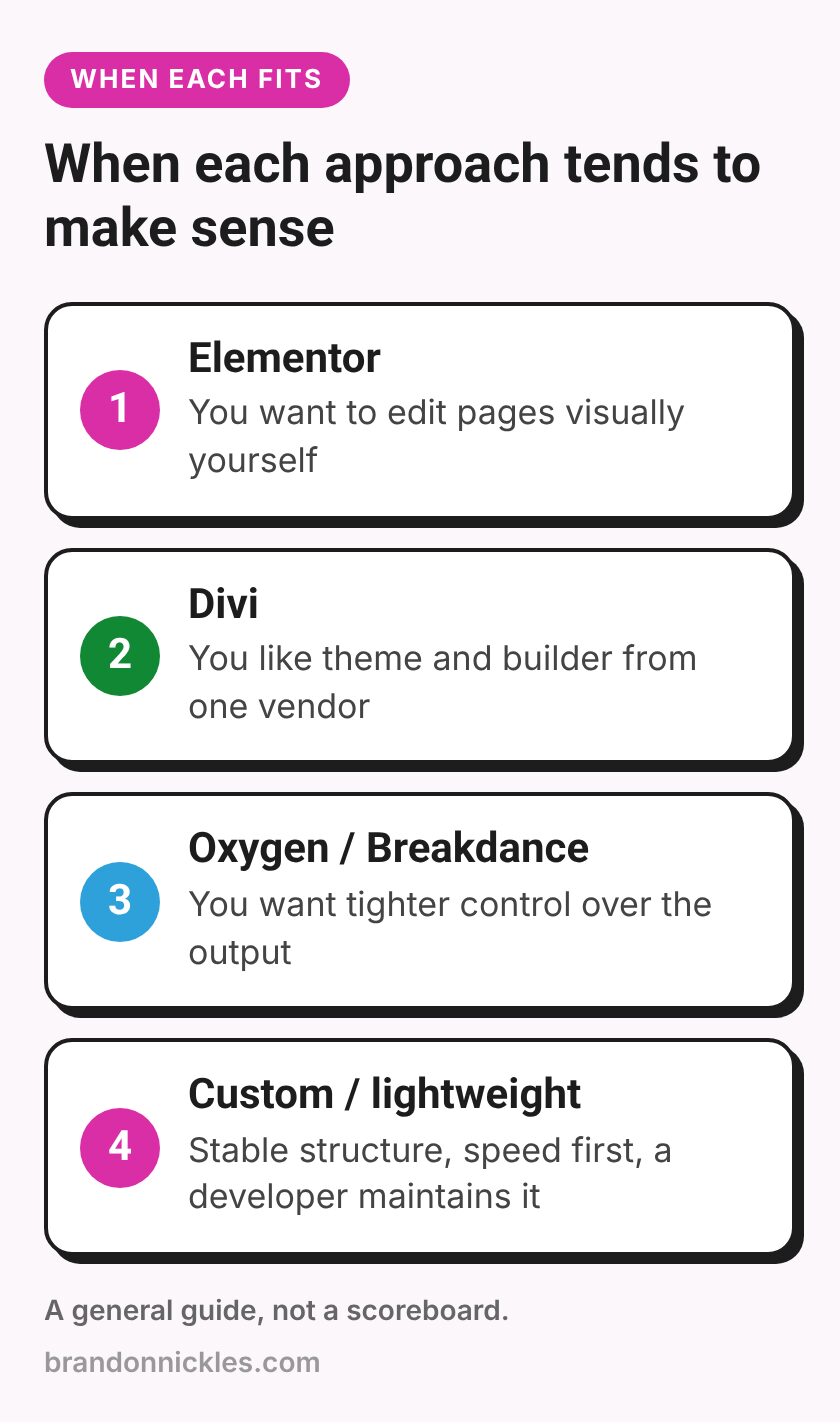
Elementor makes sense when…
You want to update pages yourself, you're comfortable with a visual editor, and the site is built with a limited, sensible set of add-ons. It's widely used, so there's a lot of help available.
Divi makes sense when…
You like the idea of a theme and builder from one vendor, you're already familiar with it, or you're happy using its layout library as a starting point.
Oxygen or Breakdance makes sense when…
You want visual building with tighter control over the HTML and CSS, and you have a developer (or the confidence yourself) to work with it. It's a good fit when performance matters and layouts are managed through templates.
A custom or lightweight theme makes sense when…
Your site's structure is fairly stable, you mostly edit text, posts, and images, speed is a top priority, and you have someone who can maintain the code.
Not sure what your site needs?
If you're stuck on whether to keep your current builder, clean it up, or move to something leaner, I'm happy to take a look. I work with Oxygen, Elementor, Divi, and custom themes, so I don't have a reason to push you toward one. I'll tell you honestly what makes sense for your site.
Now, the warning signs.
When a page builder becomes a liability
Builders aren't the problem. But they can become one. Here are the signs I look for:
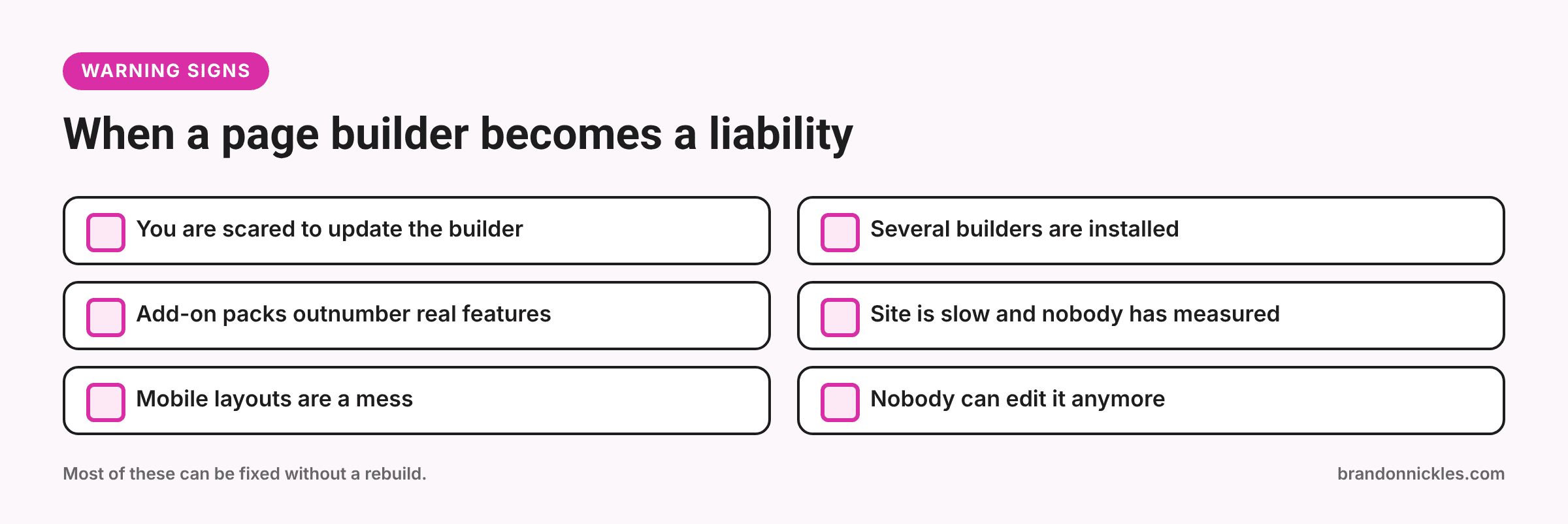
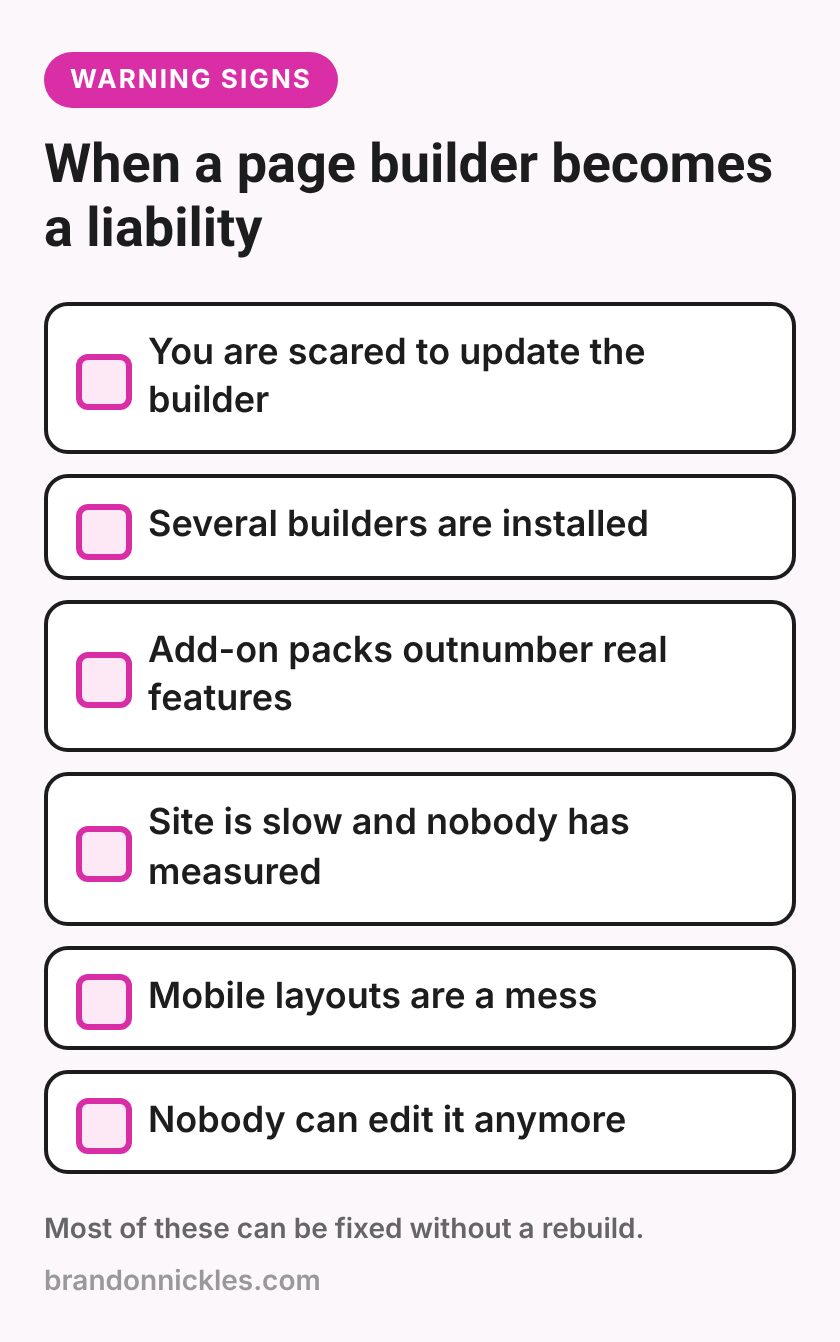
- You're scared to update the builder. If every update breaks layouts, something in the setup (usually add-on packs or old custom code) needs attention.
- There are several builders installed. It happens more than you'd think: Elementor on some pages, the block editor on others, and leftover pieces of a builder from a previous redesign. That's extra code and extra risk.
- Add-on packs outnumber your actual features. Three different "ultimate" add-on packs to get a few widgets is a maintenance problem waiting to happen.
- The site is slow and the builder is being blamed, but nobody's checked. Measure first. Often it's images, scripts, or hosting.
Mobile layouts are a mess. Builders let you set separate styles for desktop, tablet, and phone. If they weren't set, or were set inconsistently, mobile visitors get overlapping text and buttons that are hard to tap. More on that in my post on mobile layout problems that quietly kill leads.
- Nobody can edit it anymore. If the original builder license lapsed, the person who built it is gone, or every page is a one-off design, the "easy editing" promise has worn off.
What to do if your builder site is struggling
You don't have to rebuild from scratch just because a builder site is giving you trouble. Here's the order I usually work in:
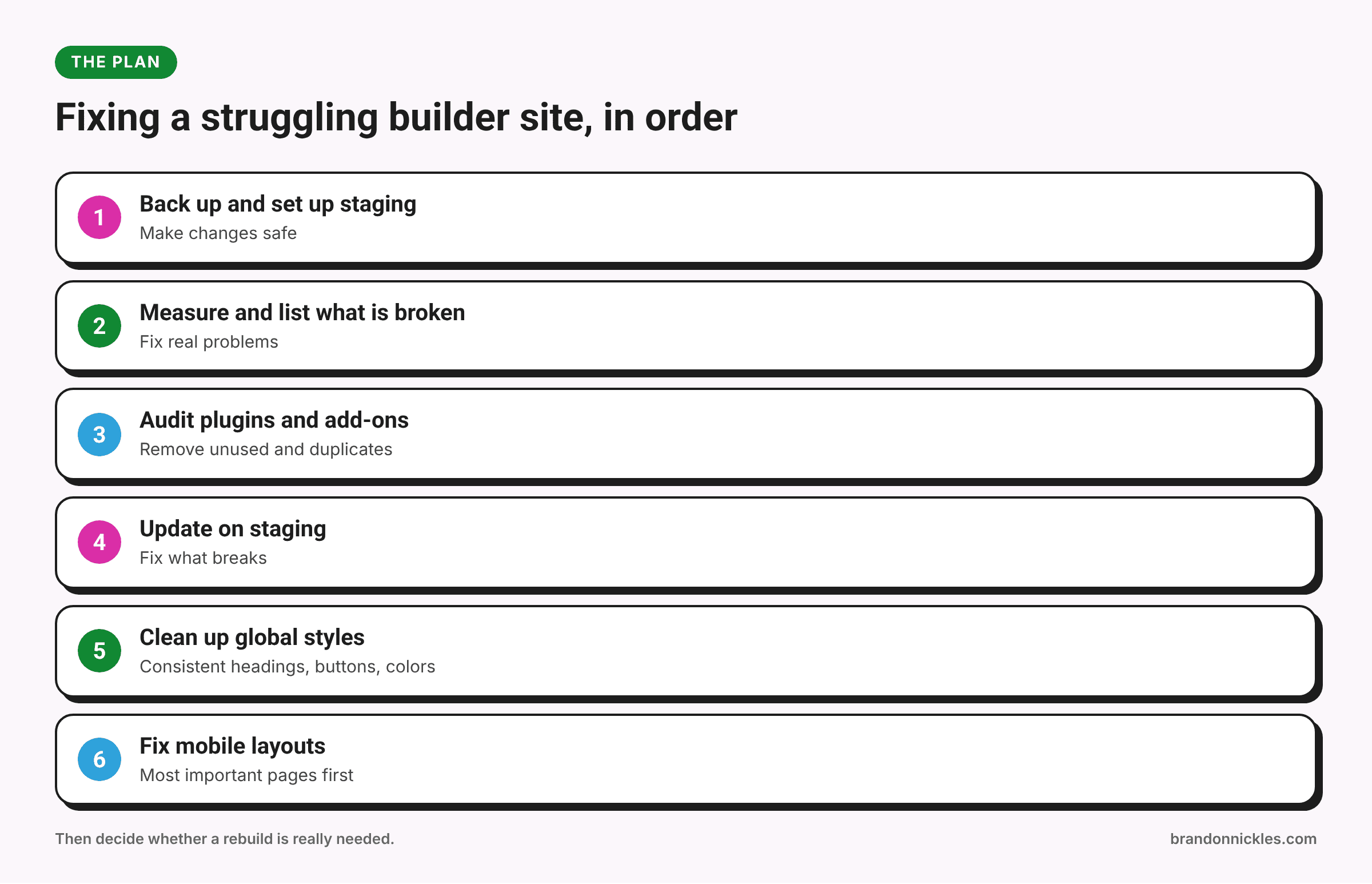
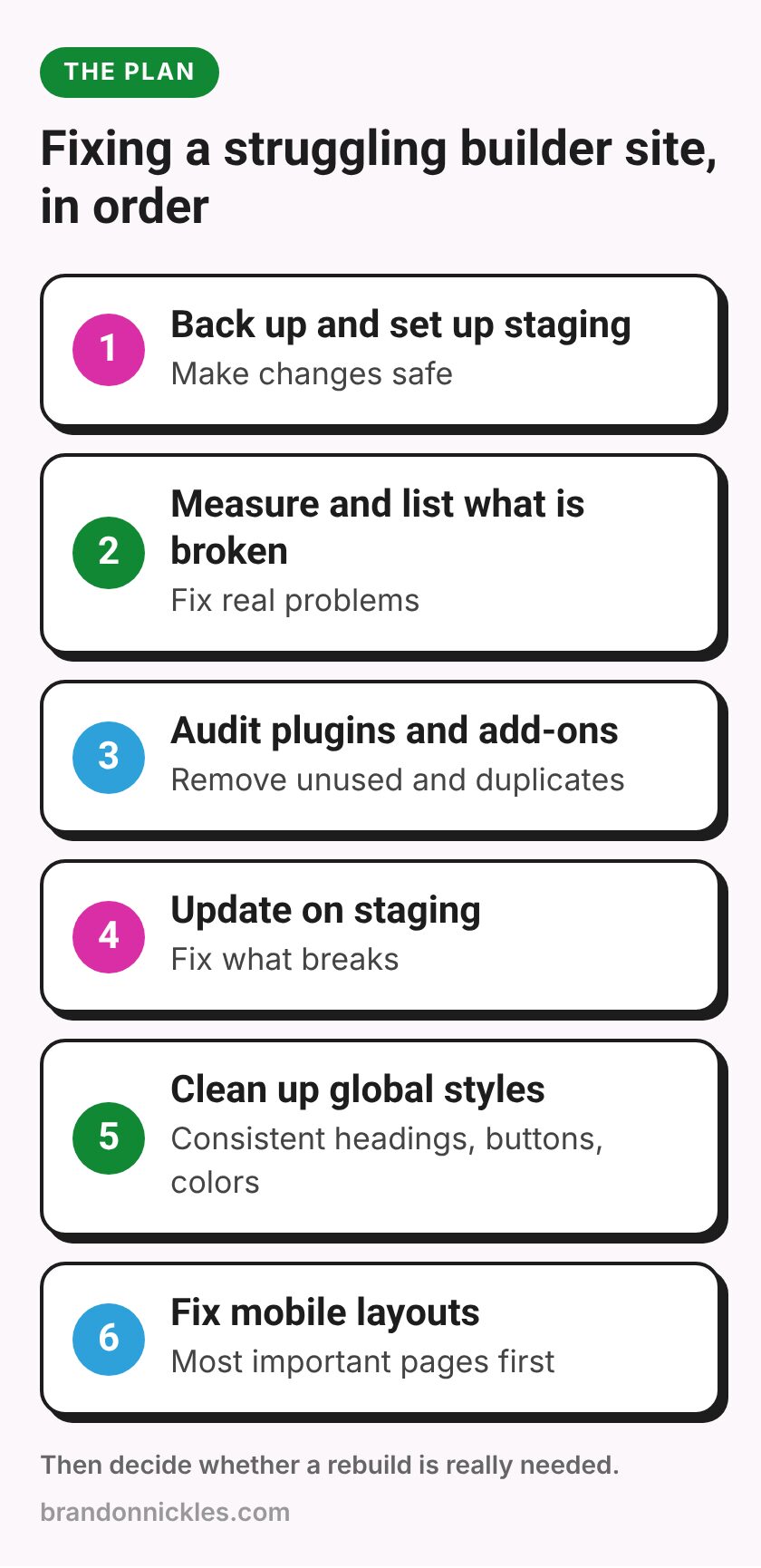
- Back up the site and set up staging so changes are safe.
- Measure speed and list what's broken so you're fixing real problems, not hunches.
- Audit plugins and add-ons. Remove unused builder add-ons and duplicate plugins. Replace abandoned ones.
- Update the builder and theme on staging and fix what breaks.
- Clean up global styles so headings, buttons, and colors are consistent instead of styled page by page.
- Fix mobile layouts on your most important pages first.
- Then decide whether the site needs a rebuild or is in good shape now.
Often step 3 alone makes a noticeable difference to how manageable a site feels.
A few pitfalls when switching approaches
If you do decide to change builders or move to a custom theme, watch out for these:
- Assuming it's a quick swap. Switching builders usually means rebuilding pages. Plan for it.
- Losing SEO basics. Keep your URLs, page titles, meta descriptions, and redirects in order. Changing URLs without redirects can cost you search visibility.
- Forgetting forms and tracking. Forms, thank-you pages, and tracking tags need to be rebuilt and tested.
- Leaving the old builder installed "just in case." Once you've moved, clean up properly.
- Doing it on the live site. Rebuild on staging and switch over when it's ready.
Frequently asked questions
Are page builders bad for SEO?
Not by themselves. Search engines care about content, structure, and page experience. A builder can make a page heavier, which can affect speed, but a well-built builder page with good content can do perfectly well.
Should I switch from Elementor or Divi to a custom theme?
Only if there's a clear reason: ongoing speed problems you can't fix, constant breakage, or a redesign that's happening anyway. Switching just because someone online said builders are bad usually isn't worth it.
Can I edit a custom theme myself?
Usually you can still edit text, images, blog posts, and anything set up in the block editor. Changing layouts generally needs a developer, which is the tradeoff for a leaner site.
Which page builder is fastest?
It depends far more on how the site is built than on the builder's name. Measure your own pages rather than relying on general claims.
Do you work on sites built with page builders?
Yes. I work with Oxygen, Elementor, Divi, custom themes, and WooCommerce, whether you're fixing something, cleaning up a builder site, or planning a rebuild.
Ready to make your site easier to live with?
Whatever your site is built with, it should load quickly, look right on phones, and not break every time you update. If you'd like a straight answer about what to keep, what to clean up, and what to change, I'm happy to help. I back up your site before I touch it and reply the same day.
Email me at Brandon@brandonnickles.com.
And if you'd like someone to keep it updated, backed up, and monitored going forward, take a look at my managed WordPress hosting.